Working from home sounds comfortable until you find yourself answering emails from the sofa, attending meetings from the dining table, and searching for important documents under a pile of household items. I have learned that a well-designed home office is not simply about having a desk and chair. It is about creating a space that helps you concentrate, stay organized, feel comfortable, and maintain a healthy boundary between work and personal life.
The good news is that you do not need a large spare room or an expensive renovation to build a functional workspace. With thoughtful planning, even a small corner, unused closet, bedroom wall, or hallway area can become an inspiring office.
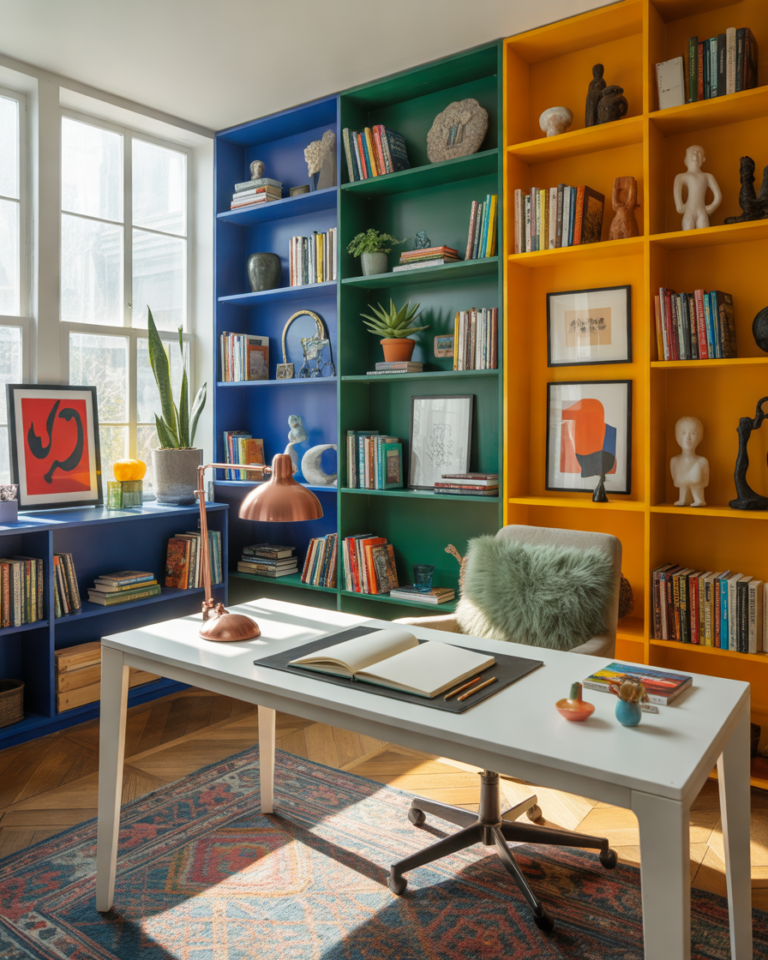
Whether you work remotely full-time, run a small business, study online, or simply need a quiet place to manage household tasks, these 15 home office ideas will help you create a workspace that feels practical, comfortable, and visually appealing.
1. Choose the Quietest Area of Your Home
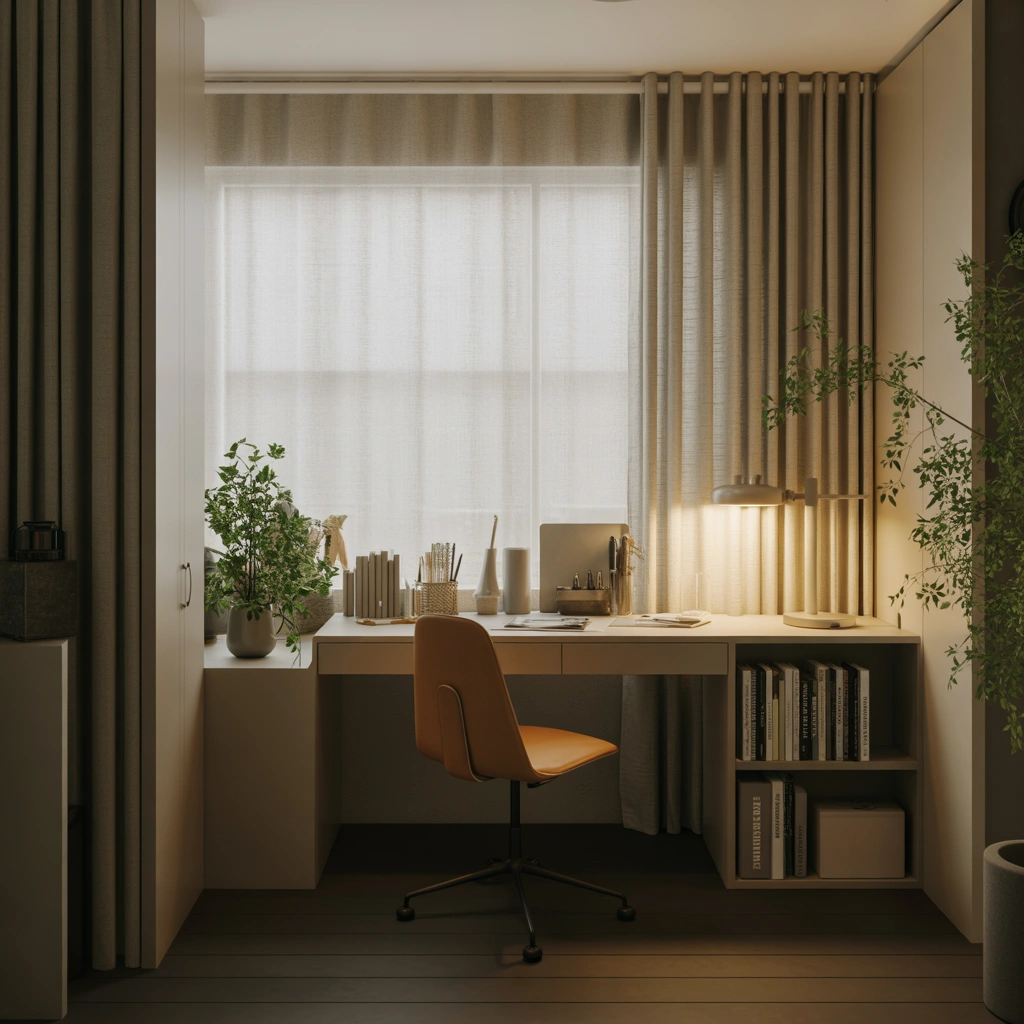
The location of your home office can have a major impact on your productivity. Before buying furniture or selecting a color scheme, think carefully about where you can work with the fewest distractions.
A separate room is ideal, but it is not always available. You may need to use a bedroom corner, an unused section of the living room, a hallway, or even the space beneath a staircase. The key is to choose an area that does not sit directly in the middle of everyday household activity.
I would avoid placing a desk next to the television, children’s play area, or kitchen counter if possible. Constant movement, noise, and conversations can make it difficult to focus.
Look for a location with natural light, access to electrical outlets, and enough room for your essential equipment. You should also consider what will appear behind you during video meetings. A calm wall, bookshelf, curtain, or tidy background will usually look more professional than a busy household area.
Once you choose your office location, try to use it consistently. Working in the same place every day can help your brain recognize when it is time to focus.
2. Position Your Desk Near Natural Light
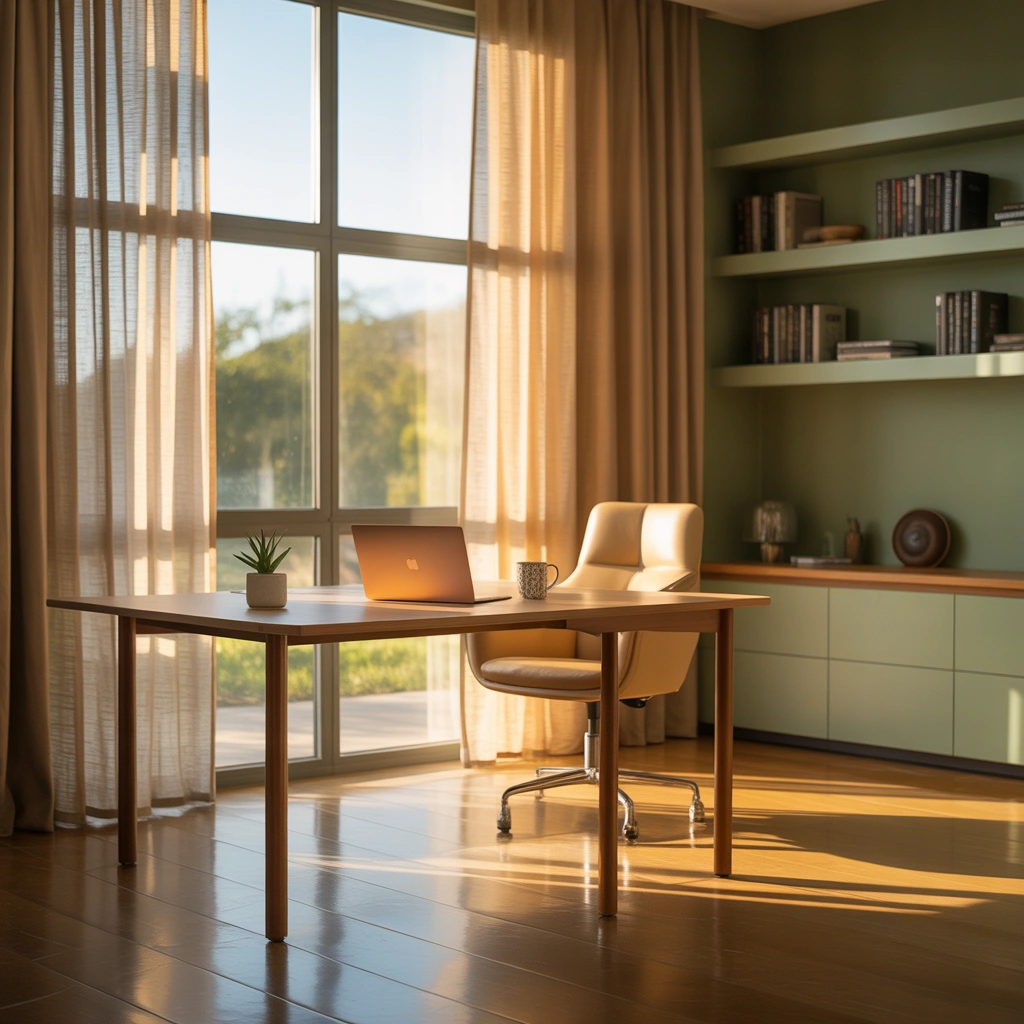
Natural light can completely transform a home office. It makes a small workspace feel more open, creates a pleasant atmosphere, and reduces the need for artificial lighting during the day.
Whenever possible, position your desk near a window. However, avoid placing your computer screen directly in front of or opposite the window because strong sunlight may create glare. A desk placed perpendicular to the window often works best.
I personally prefer sitting where I can occasionally look outside. A view of greenery, the sky, or even a quiet street gives my eyes a break from the screen and makes long workdays feel less confined.
Use lightweight curtains, blinds, or adjustable shades to control harsh sunlight. If privacy is important, frosted window film can allow light to enter while preventing people from seeing inside.
Natural light is especially valuable in small home offices because it prevents the space from feeling dark or crowded. Pair it with light-colored walls and reflective surfaces to make the room appear even brighter.
3. Invest in a Comfortable Ergonomic Chair
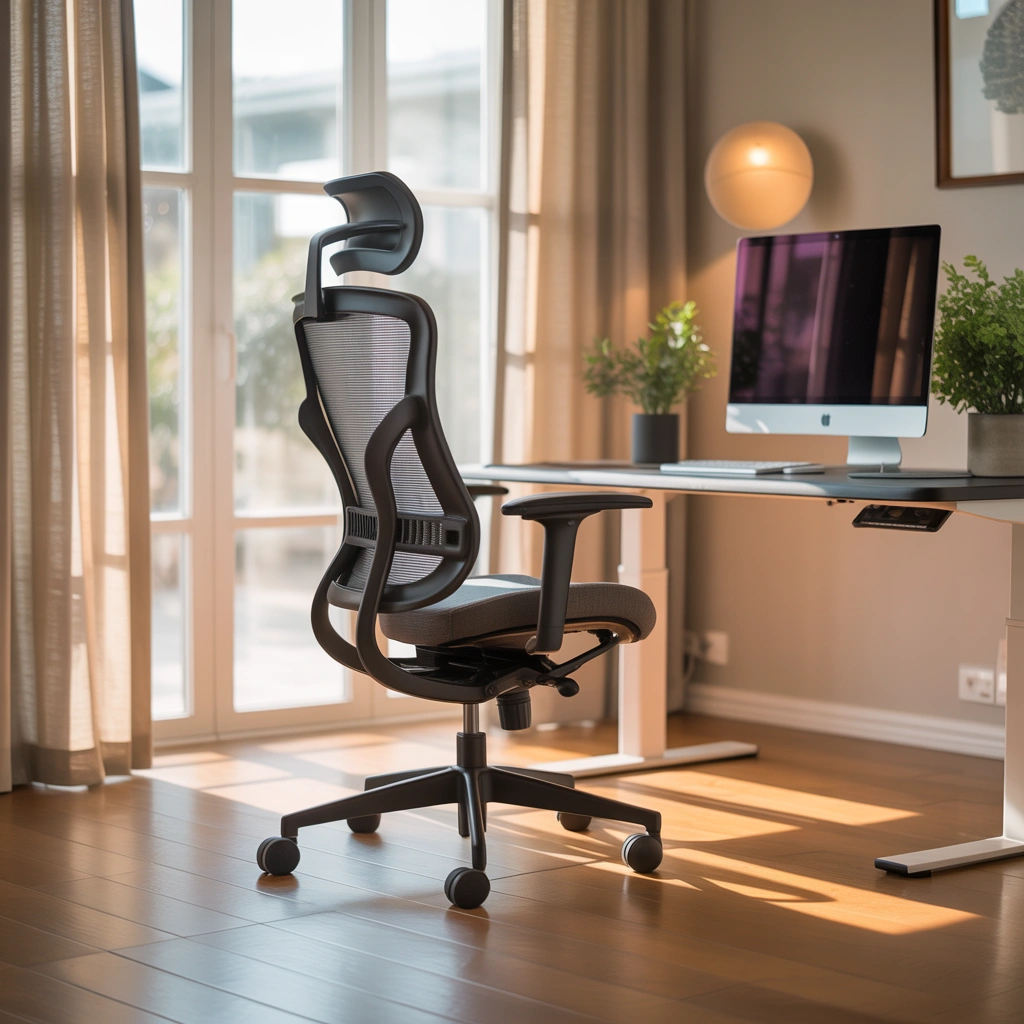
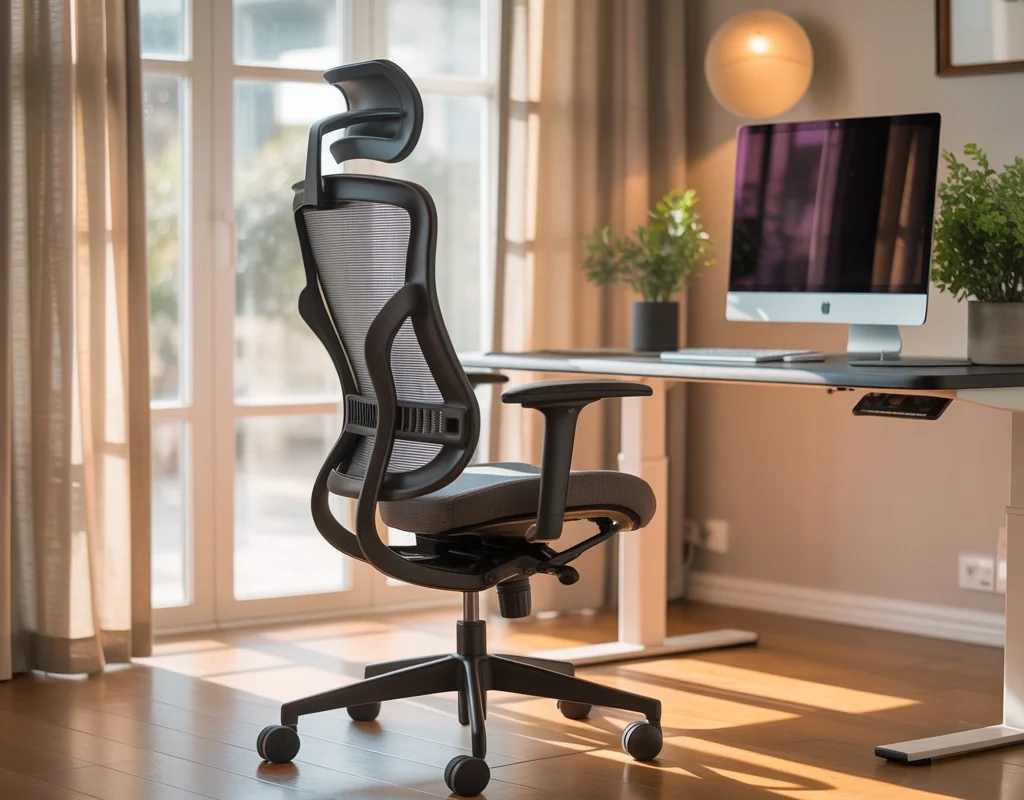
A stylish chair may look beautiful in photographs, but comfort should always come first. If you spend several hours working at your desk, an uncomfortable chair can cause back pain, shoulder tension, poor posture, and fatigue.
Choose an ergonomic office chair with adjustable height, lumbar support, a supportive seat, and comfortable armrests. Your feet should rest flat on the floor, while your knees remain approximately level with your hips.
Your elbows should sit close to your body at a comfortable angle when typing. The top section of your computer screen should be at or slightly below eye level so that you do not constantly bend your neck.
If a high-quality office chair is outside your current budget, add a supportive seat cushion or lumbar pillow to an existing chair. You can also use a footrest to improve your sitting position.
A comfortable chair may not be the most decorative part of your office, but it is one of the most valuable investments you can make. Your home office should support your health as well as your productivity.
4. Create a Small Home Office in a Bedroom Corner
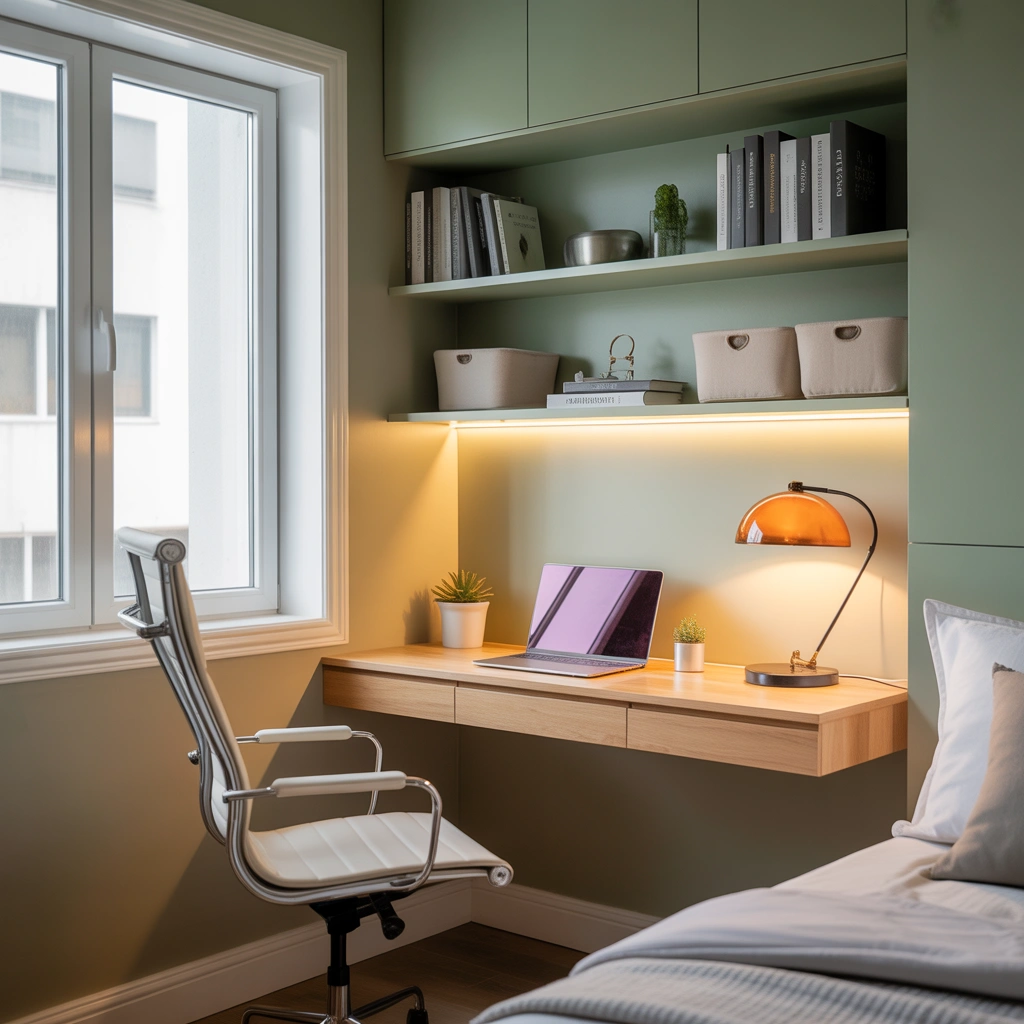
Not everyone has a spare room that can become a dedicated office. Fortunately, a bedroom corner can provide enough space for a compact and practical workstation.
Choose a slim desk that fits neatly against an empty wall. A floating desk, ladder desk, or narrow writing table can work well without making the bedroom feel overcrowded. Add a small chair that can slide underneath the desk when it is not being used.
To visually separate the workspace from the sleeping area, use a small rug, wall color, decorative screen, curtain, or tall plant. This division can make the office feel intentional rather than temporary.
Keep the desk surface simple. A laptop, lamp, notebook, and small organizer may be all you need. Store additional supplies inside drawers, baskets, or wall-mounted cabinets.
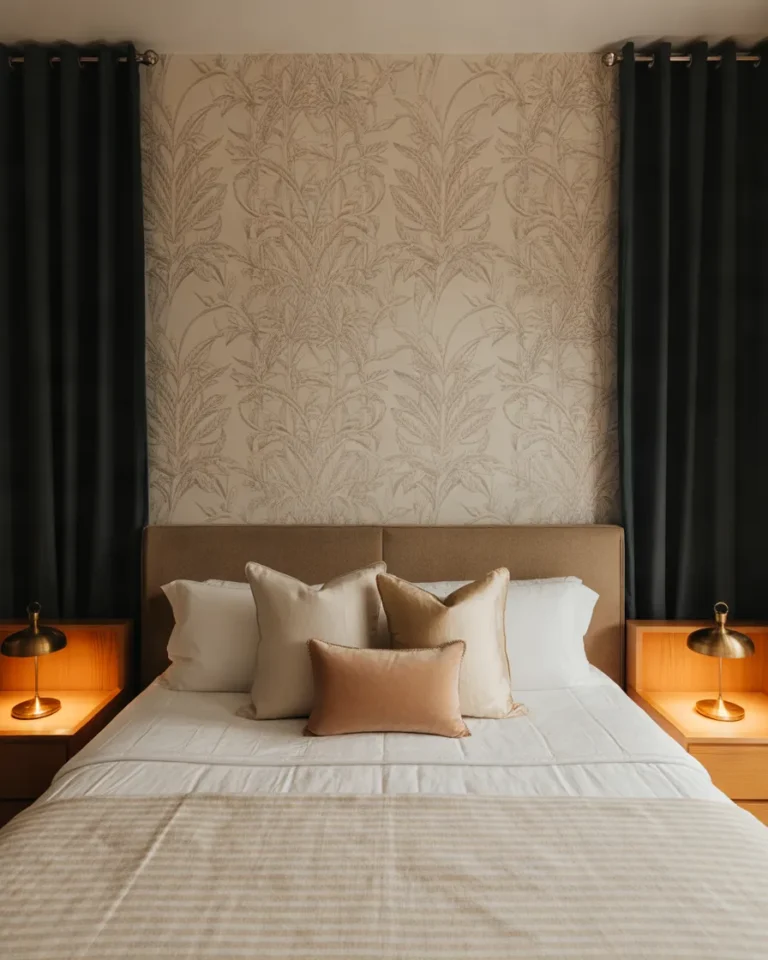
One challenge of having an office in the bedroom is switching off from work at night. I recommend clearing the desktop at the end of the day and closing your laptop completely. You can also cover the work area with a curtain or folding screen to create a stronger separation between work and rest.
5. Use Vertical Storage to Save Floor Space
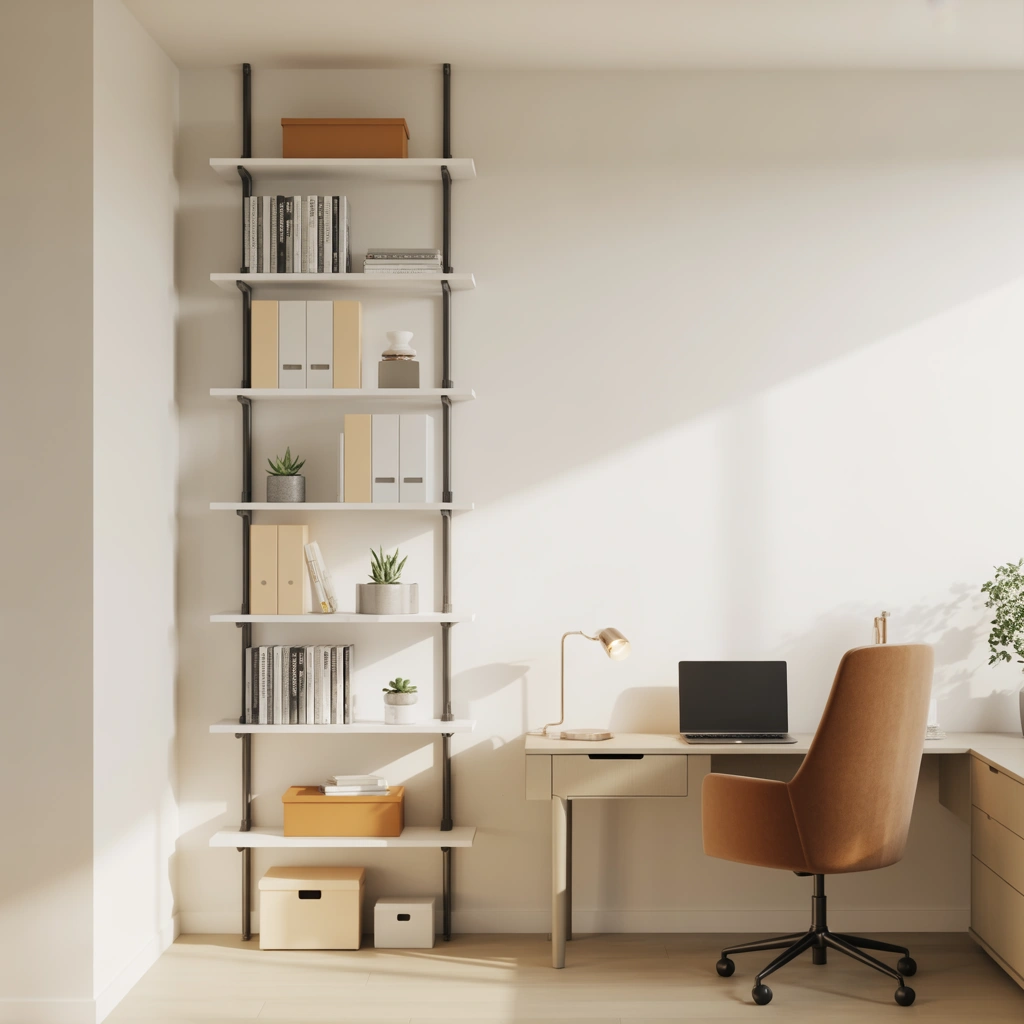
When floor space is limited, the walls become extremely valuable. Vertical storage keeps essential items within reach without filling the room with bulky furniture.
Install floating shelves above your desk to hold books, storage boxes, small plants, and office supplies. Pegboards are another excellent option because they allow you to customize hooks, containers, baskets, and small shelves according to your needs.
A tall bookcase can provide plenty of storage while using only a small section of floor space. Choose closed boxes or matching baskets for items that might otherwise make the office look cluttered.
I like to keep frequently used objects on the lower shelves and decorative items on the higher shelves. This keeps the workspace functional while still giving it personality.
Be careful not to overload the wall directly above your computer. Too many items can make a small office feel visually heavy. Leave some empty space so the room feels balanced and calm.
6. Turn an Unused Closet into a Hidden Office
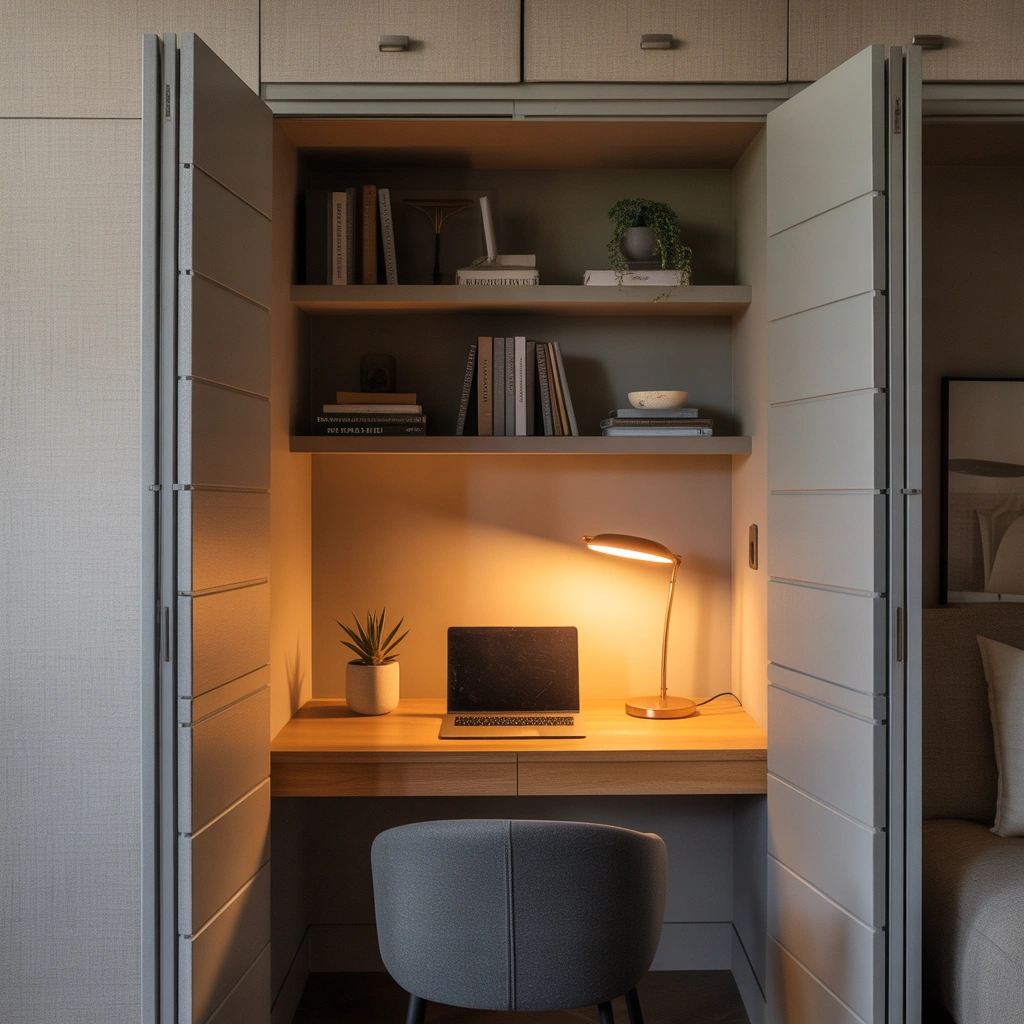
A closet office, sometimes called a “cloffice,” is one of the smartest home office ideas for small homes and apartments. It allows you to create a dedicated workspace without using an entire room.
Remove the closet doors or keep them in place if you want to hide your office at the end of the day. Install a desktop at a comfortable height and add shelves above it for storage. Depending on the closet size, you may also be able to include drawers or a small filing cabinet underneath.
Good lighting is essential because closets rarely receive natural light. Add an overhead light, wall-mounted lamp, or adjustable desk lamp. Make sure electrical wiring and extension leads are arranged safely.
You can make the interior feel more inviting with wallpaper, paint, a pinboard, or framed artwork. A lighter color usually helps the small space feel brighter and more open.
The best part about a closet office is that you can close the doors when work is finished. This helps maintain a clean living area and creates a clear mental boundary between your professional and personal time.
7. Design a Minimalist Home Office
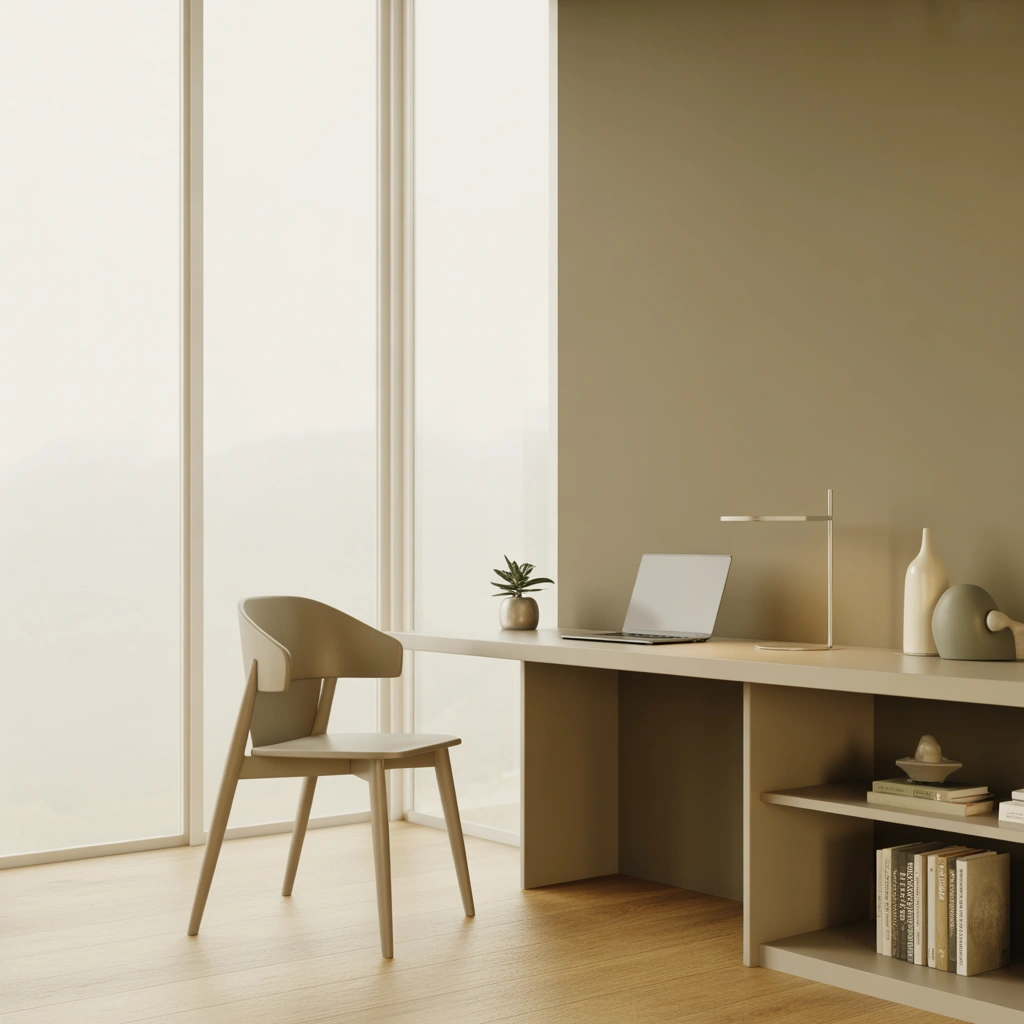
A minimalist home office can reduce visual distractions and make it easier to concentrate. This does not mean the room must feel empty or cold. It simply means choosing items carefully and keeping only what supports your work.
Start with a simple desk, comfortable chair, practical lighting, and limited storage. Keep the color palette calm and consistent. White, beige, soft gray, warm wood, and muted earth tones work particularly well in minimalist interiors.
Remove unnecessary decorations, tangled cables, outdated paperwork, and supplies you rarely use. Give every item a specific storage place so the desktop remains clear.
I find that a clean desk makes it much easier to begin work in the morning. When the surface is covered with random items, I feel distracted before I have even opened my computer.
Add one or two meaningful decorative elements, such as a plant, framed print, favorite photograph, or ceramic cup. Minimalism should still reflect your personality. The goal is not to remove everything but to create a workspace that feels focused and intentional.
8. Add Plants for a Fresh and Calming Atmosphere
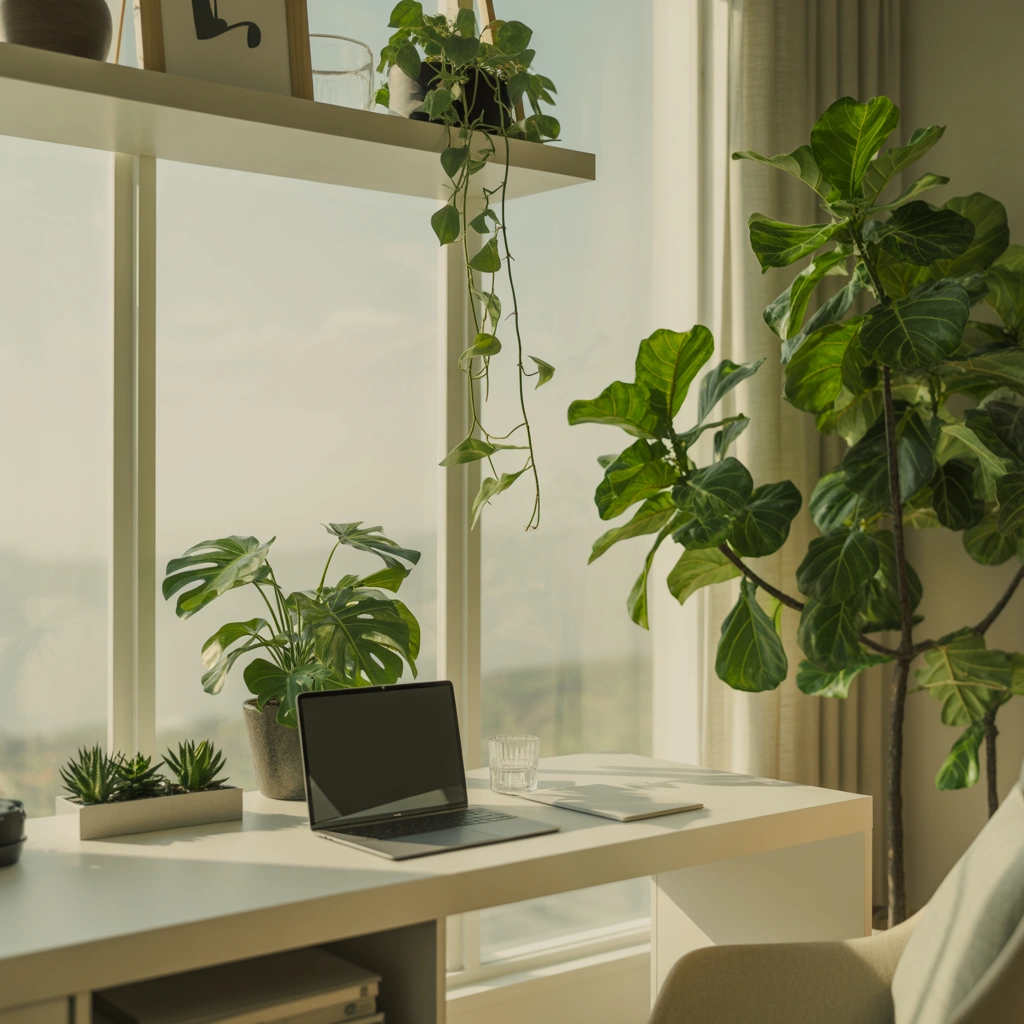
Plants are an easy way to make a home office feel warmer, more welcoming, and less corporate. They introduce natural texture and color without creating unnecessary clutter.
Place a small plant on your desk, add a trailing plant to a high shelf, or use a larger floor plant in an empty corner. Choose varieties that suit the available light and the amount of care you can realistically provide.
Snake plants, pothos, peace lilies, ZZ plants, and succulents are commonly chosen for home offices because many of them are relatively easy to maintain. Artificial plants can also work when natural light is limited or regular plant care is not practical.
I enjoy having greenery near my workstation because it softens the appearance of screens, wires, and office equipment. Even one small plant can make the area feel more relaxed.
Use simple pots that complement your overall color palette. If your office is very small, wall planters or hanging plants can add greenery without taking up valuable desk space.
9. Create an Inspiring Feature Wall
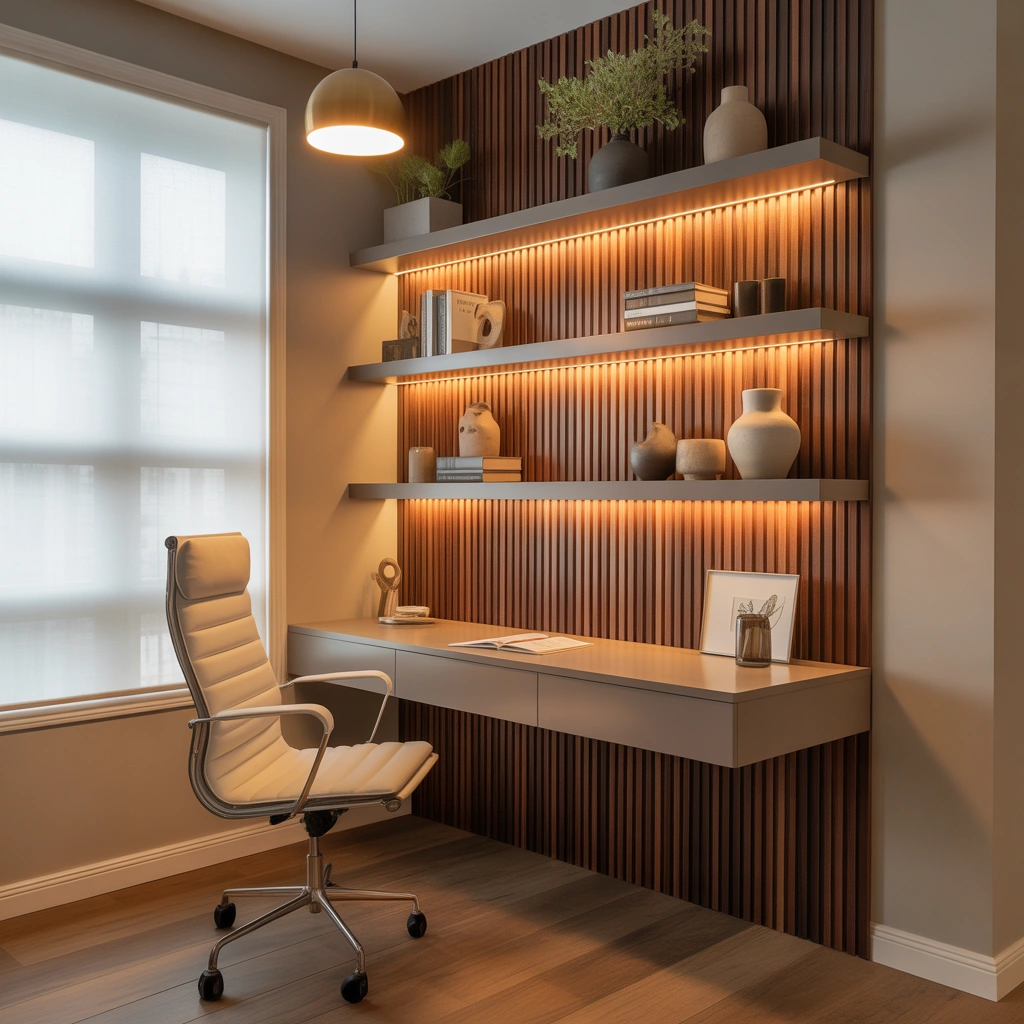
Your home office should be a place where you feel motivated. A feature wall can add character and turn an ordinary work corner into a space that feels uniquely yours.
You could paint one wall in a deeper color, apply removable wallpaper, install wooden panels, or create a gallery wall with artwork and photographs. A large pinboard or inspiration board can also become a functional focal point.
When designing a feature wall, consider how it will look during video calls. A clean arrangement of framed prints, shelves, or artwork can create a polished background.
Avoid covering every inch of the wall with motivational quotes or decorative objects. Too many visual elements can become distracting. Choose a few pieces that genuinely inspire you or reflect your interests.
For a professional appearance, use matching frames and keep the spacing consistent. For a more creative office, combine different sizes, textures, and styles while maintaining a shared color theme.
A feature wall is especially useful when your home office forms part of another room because it visually defines the work zone.
10. Improve Your Home Office Lighting
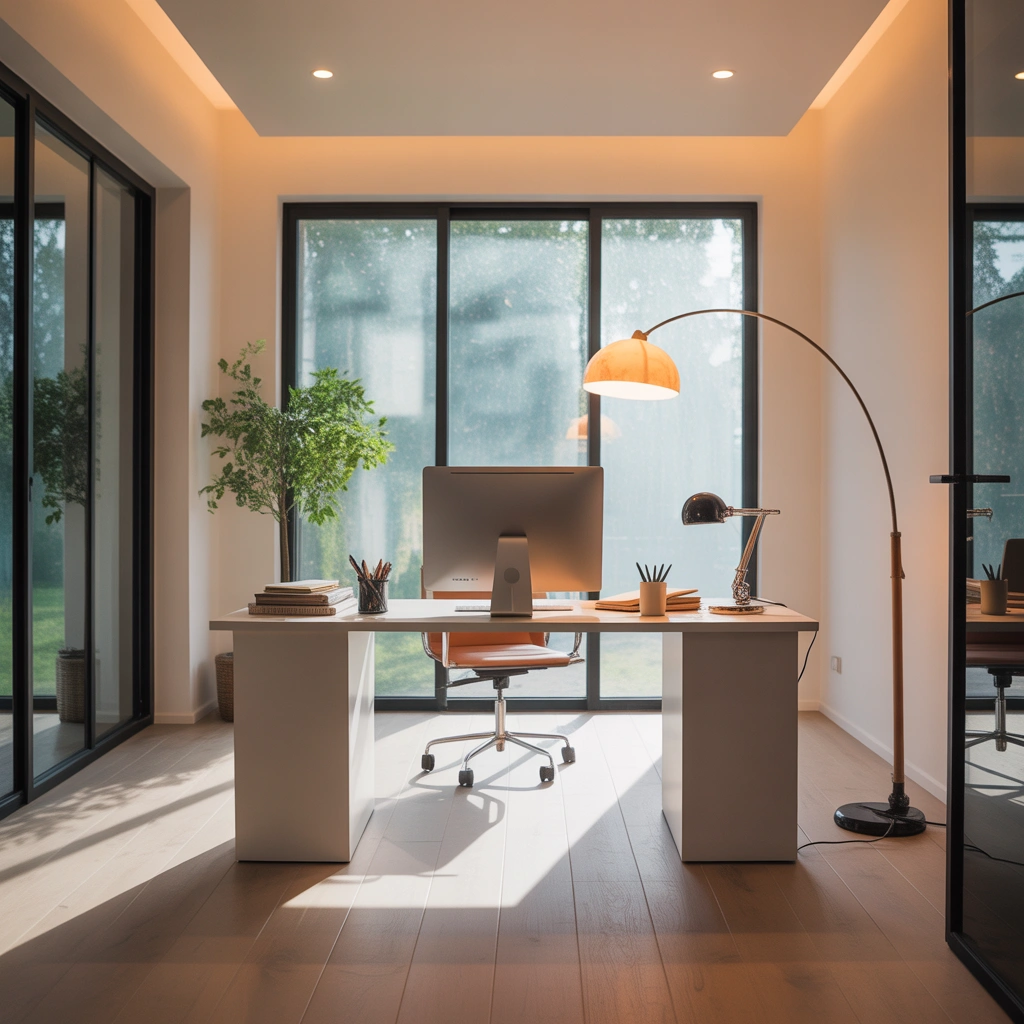
Relying on one overhead light is rarely enough for a comfortable workspace. A well-designed lighting plan should include natural light, general room lighting, and focused task lighting.
Add an adjustable desk lamp that directs light toward your keyboard, paperwork, or reading material. Position the lamp on the opposite side of your writing hand to reduce shadows. For example, a right-handed person may find it more comfortable to place the lamp on the left.
Warm white lighting creates a comfortable atmosphere, while cooler lighting can feel energizing and crisp. The right choice depends on your preferences and the type of work you do.
You may also add a floor lamp in a dark corner or use wall-mounted lights when desk space is limited. Soft background lighting can make the office feel more comfortable during early mornings or evening work sessions.
For video calls, place a light source in front of you rather than directly behind you. This will brighten your face and prevent your background from appearing overexposed.
Good lighting reduces eye strain and helps your workspace remain functional throughout the day.
11. Organize and Hide Cables
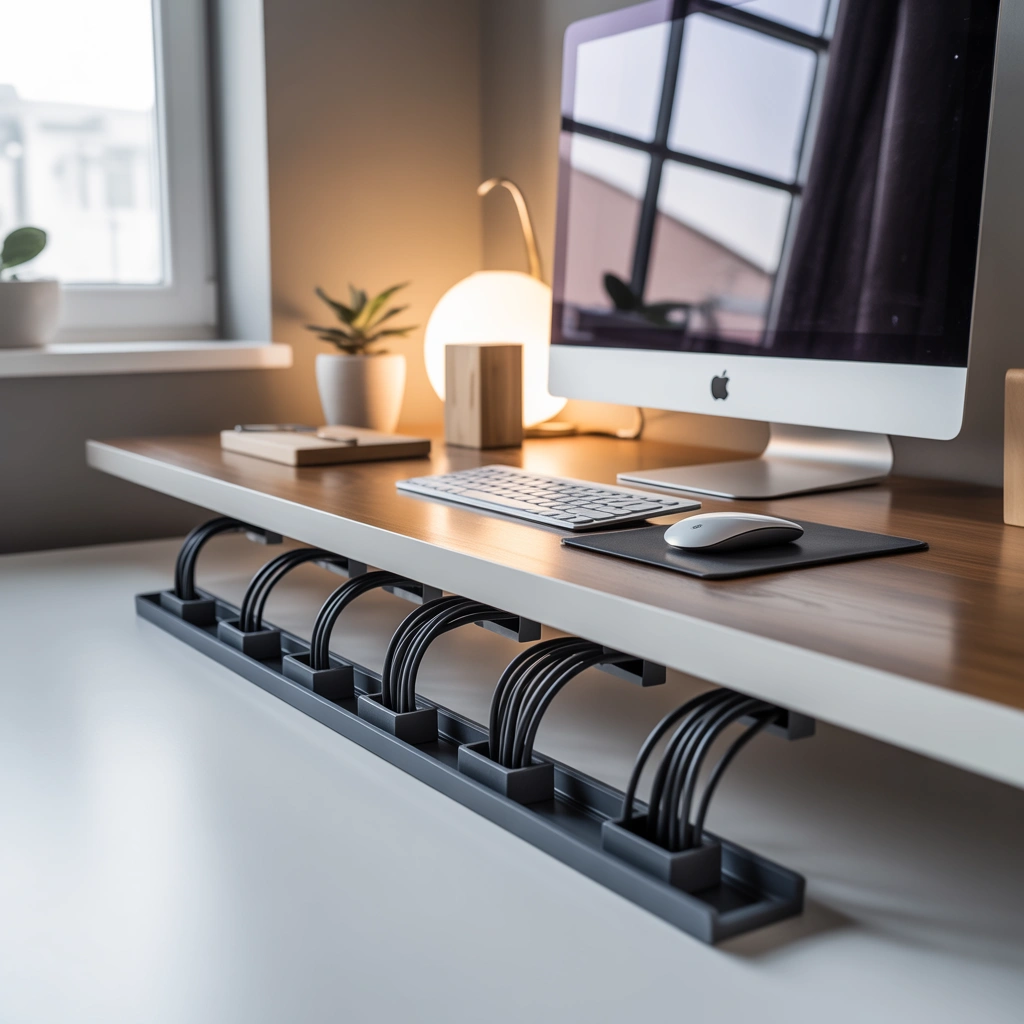
Cable clutter can make even a beautifully designed home office look messy. Chargers, computer wires, extension leads, printer cables, and headphones can quickly become tangled around the desk.
Start by identifying which cables you actually need. Remove unused chargers and outdated equipment. Use cable clips to secure wires along the back or underside of the desk. A cable management box can hide extension leads and extra cord length.
You can also attach a cable tray beneath the desktop to keep wires off the floor. Reusable cable ties are useful for grouping cords together without damaging them.
Label similar cables so you can identify them quickly when unplugging equipment. This is particularly helpful when several chargers look identical.
Consider using wireless accessories, such as a keyboard, mouse, headphones, and printer, to reduce the number of visible cords.
Cable organization may seem like a small detail, but it makes the entire office feel cleaner. It also prevents wires from catching on your feet or becoming damaged by furniture.
12. Add a Standing Desk Option
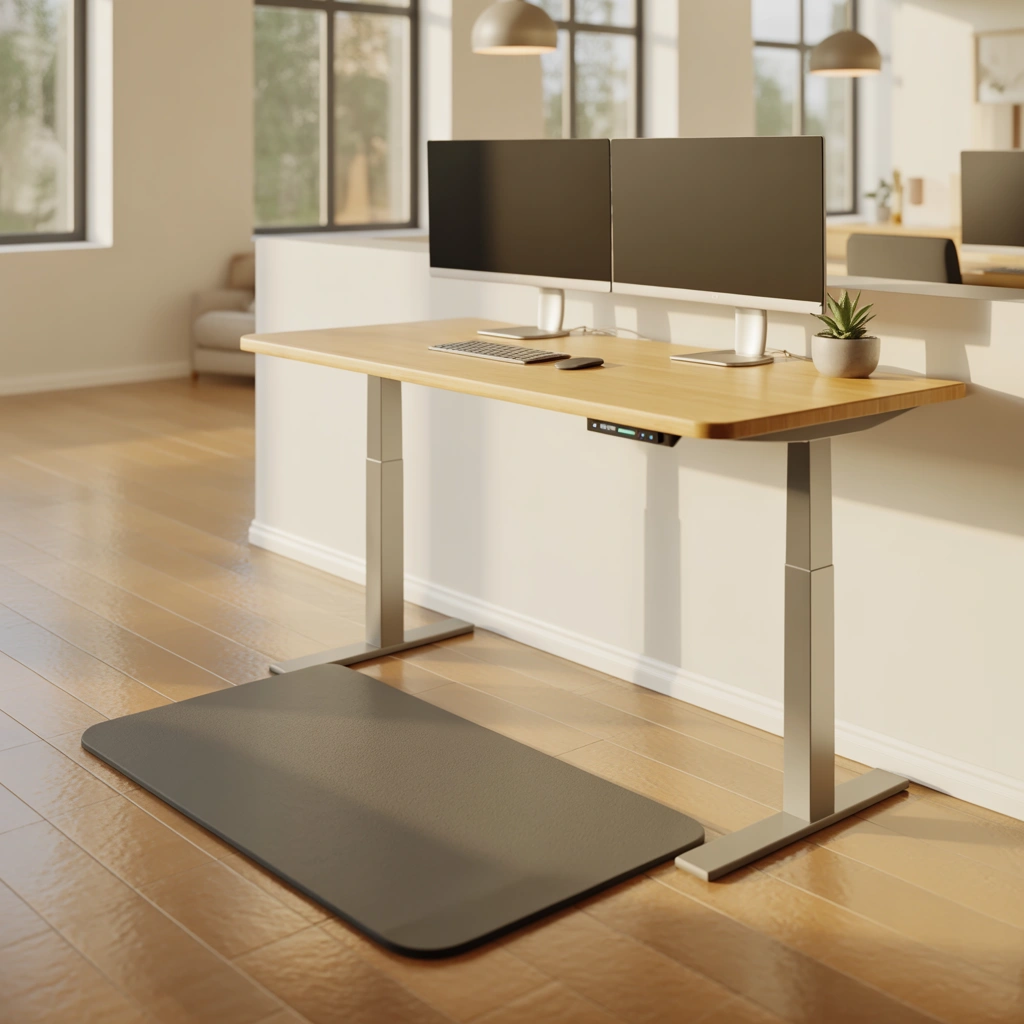
Sitting for the entire workday can feel uncomfortable and tiring. A standing desk allows you to change positions, stretch your legs, and introduce more movement into your routine.
An adjustable sit-stand desk is the most flexible option because you can raise or lower the surface according to your needs. However, you do not need to replace your existing desk. A desktop converter can turn a standard desk into a standing workstation.
Make sure your screen remains at eye level and your elbows stay at a comfortable angle while standing. Avoid leaning forward or placing too much weight on one leg.
I would not recommend standing all day either. The goal is to alternate between sitting and standing. You might stand during short meetings, routine emails, or administrative tasks and sit during work that requires longer concentration.
Add an anti-fatigue mat if you stand for extended periods. Comfortable footwear also makes a noticeable difference.
A standing option can make your office more adaptable and encourage healthier work habits without requiring a complete room redesign.
13. Create a Shared Home Office for Two People
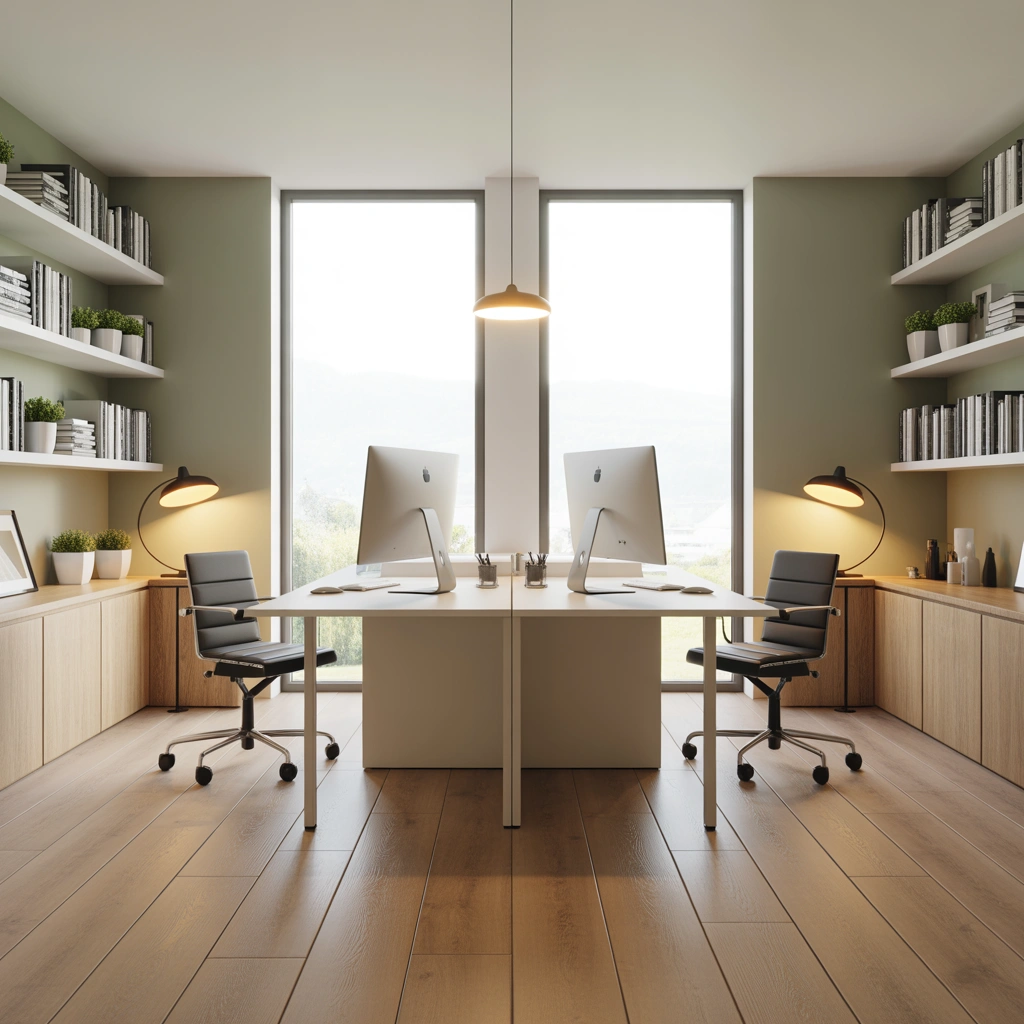
When two people work or study from home, sharing a workspace requires careful planning. Each person needs enough room to concentrate, store belongings, and attend meetings without constantly disturbing the other.
A long desk placed against one wall can create two separate workstations. You can define each side with individual lamps, chairs, drawer units, and storage shelves. Another option is to position two desks back-to-back or on opposite walls.
If both people regularly attend online meetings, consider using acoustic panels, curtains, rugs, and upholstered furniture to absorb sound. Headphones with a microphone can also reduce disruption.
Keep shared supplies, such as the printer, paper, and stationery, in a central location. Personal items should remain within each individual workstation to prevent confusion.
Choose furniture with a coordinated style so the office looks unified, but allow each person to personalize their own section.
A shared home office works best when both people agree on organization, noise levels, meeting schedules, and cleaning responsibilities. Good design helps, but clear communication is equally important.
14. Use Multipurpose Furniture
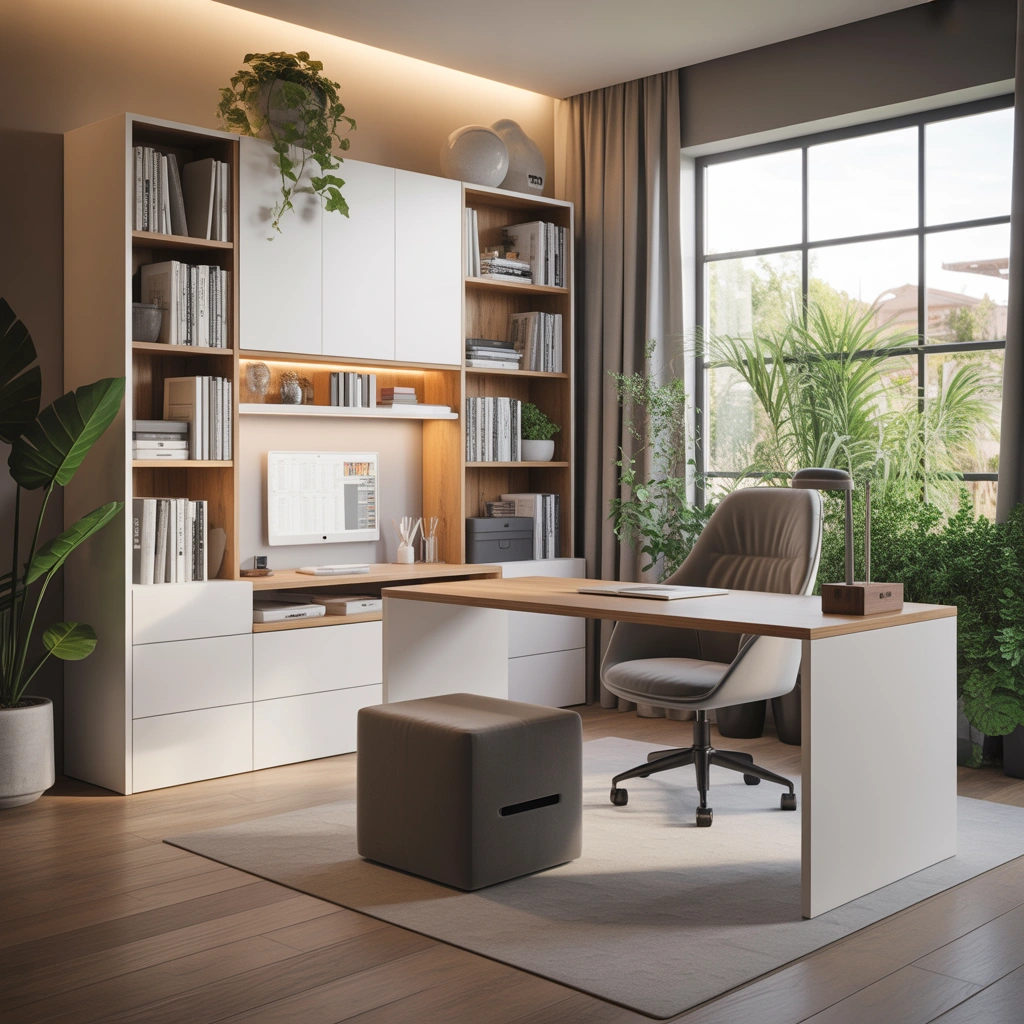
Multipurpose furniture is ideal for small home offices because it allows one area to serve several functions. A desk with built-in drawers provides both a work surface and storage. A wall-mounted folding desk can disappear when it is not needed.
A console table can function as a workstation during the day and return to decorative use afterward. An ottoman with hidden storage can hold office supplies while also providing extra seating.
If your office is inside a guest room, consider a compact sofa bed, daybed, or Murphy bed. This allows the room to remain useful without sacrificing your workspace.
A rolling storage cart is another practical addition. You can keep stationery, files, chargers, and notebooks inside it, then move the cart away when work is finished.
Before purchasing any furniture, measure your space carefully. Consider how drawers, doors, and chairs will move when in use. Furniture that looks compact in a showroom may still restrict movement in a small room.
The best multipurpose pieces solve more than one problem without making the space feel crowded.
15. Personalize Your Workspace Without Creating Clutter
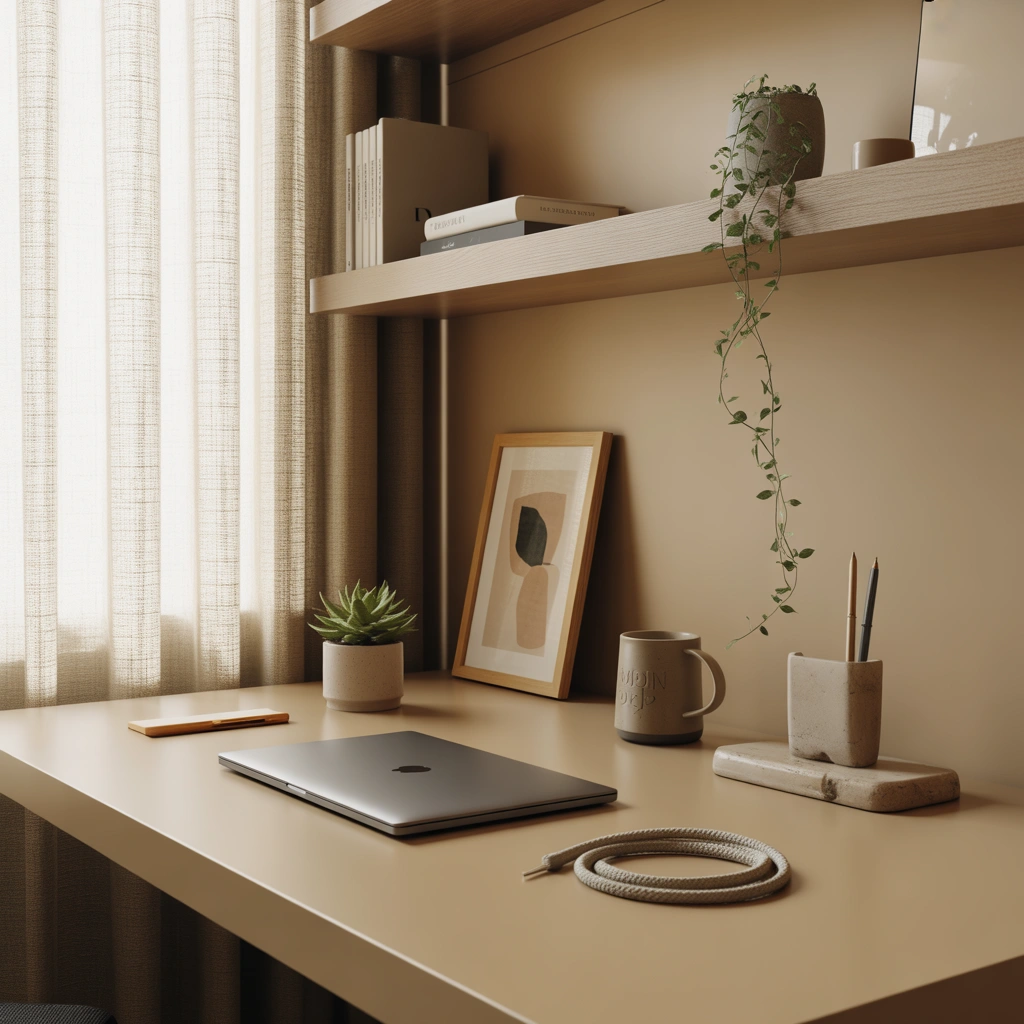
Your home office should reflect your personality. A completely generic workspace may be functional, but it may not feel inspiring or enjoyable.
Add a few personal items that make you feel comfortable. This could include family photographs, artwork, travel souvenirs, favorite books, handmade ceramics, or objects connected to your hobbies.
You can also personalize the office through color. Choose a desk accessory set, rug, chair cushion, or artwork in shades that make you feel energized. Calm blues and greens can create a peaceful atmosphere, while warmer tones may make the room feel cozy and creative.
I prefer displaying only a few meaningful objects at a time. Too many decorations can take over the workspace and make cleaning difficult. Rotating decorative pieces every few months is a simple way to refresh the room without buying new furniture.
Your office does not need to look like a catalog. It should support the way you work and include details that make you happy to spend time there.
How to Plan the Perfect Home Office
Before decorating your workspace, think about your daily routine. The perfect home office for a graphic designer may be very different from the ideal setup for a writer, teacher, accountant, student, or online business owner.
Begin by listing the equipment and storage you need. This may include a computer, monitor, printer, notebook, files, headphones, camera, microphone, art supplies, or reference books.
Next, measure the available space and create a simple layout. Make sure there is enough room to pull out the chair, open drawers, and move around comfortably. Consider the location of windows, doors, electrical outlets, and heating or cooling systems.
Set a realistic budget and spend more on the items that affect comfort and performance. A supportive chair, durable desk, reliable lighting, and proper computer setup are usually more important than decorative accessories.
Finally, allow the office to develop over time. You do not need to complete everything in one day. Work in the space for a few weeks, notice what is missing, and make changes based on your actual habits.
Common Home Office Design Mistakes to Avoid
One common mistake is choosing furniture based only on appearance. A beautiful desk that is too small or a stylish chair that causes back pain will quickly become frustrating.
Another mistake is ignoring storage. Without drawers, shelves, or containers, paperwork and supplies will eventually cover the desktop.
Poor lighting is also a frequent problem. A dark office can cause eye strain and make video calls look unprofessional. Combine natural light with practical task lighting.
Many people also forget about the background visible during online meetings. Check your camera view and remove anything distracting or overly personal.
Finally, avoid turning your office into a storage room for unrelated household items. Once boxes, laundry, toys, and unused furniture enter the space, it becomes harder to stay focused.
Final Thoughts
Creating a productive workspace is not about copying the most expensive home office designs. It is about understanding your needs and making thoughtful choices.
Start with the basics: a suitable location, comfortable chair, practical desk, good lighting, and organized storage. After that, introduce color, artwork, greenery, and personal details that make the office feel like your own.
These 15 home office ideas can be adapted to almost any home, whether you have a full room, a small bedroom corner, a closet, or a shared living space. Even simple changes, such as improving the lighting, clearing the desk, hiding cables, or adding a plant, can make a noticeable difference.
A well-planned home office can help you work more efficiently, feel less stressed, and separate your professional responsibilities from your personal life. The goal is not perfection. The goal is to create a workspace where you can sit down, feel comfortable, and do your best work.
Frequently Asked Questions About Home Office Ideas
What should every home office have?
Every home office should have a comfortable chair, suitable desk, reliable lighting, access to electrical outlets, storage for essential supplies, and a stable internet connection. The exact setup will depend on the type of work you do.
How can I create a home office in a small space?
Use a narrow desk, floating shelves, wall-mounted storage, and compact furniture. A bedroom corner, closet, hallway, or area beneath the stairs can become a practical small home office.
Which color is best for a home office?
Soft neutral colors, blues, greens, and warm earth tones are popular because they create a calm environment. However, the best color is one that helps you feel focused, comfortable, and motivated.
How can I make my home office look professional?
Keep the desk organized, hide cables, use coordinated storage, improve the lighting, and create a clean video-call background. A few carefully selected decorative items can add personality without making the space appear cluttered.
Where should a desk be placed in a home office?
Place the desk close to natural light but avoid direct glare on the computer screen. A position perpendicular to a window often provides comfortable lighting. Make sure the desk also has easy access to electrical outlets.
How can I improve productivity in my home office?
Use a dedicated workspace, reduce distractions, keep essential items organized, follow a consistent routine, and take regular breaks. A comfortable and clutter-free environment can make it easier to concentrate.
How do I separate work and home life?
Work from the same designated area each day and avoid using that space for unrelated activities. At the end of the workday, clear your desk, close your computer, and leave the workspace whenever possible.