
Working from home has completely changed the way many of us think about our workspace. A simple desk and laptop might have been enough in the past, but today a home office needs to support productivity, creativity, focus, and comfort.
When I upgraded my own workspace with a dual monitor setup, I noticed a major difference. Tasks that used to require constant switching between windows became smoother. Research, writing, designing, coding, meetings, and daily work became much easier because everything I needed was visible at the same time.
A dual monitor home office setup is not only about adding another screen. It is about creating an environment where technology works with your workflow. The right arrangement, desk placement, lighting, accessories, and monitor position can turn a basic corner of your home into a professional workspace.
In this guide, I will share 12 dual monitor setup home office ideas that combine functionality, comfort, and style. Whether you have a small desk, a large office room, or a simple bedroom workspace, these ideas can help you design a setup that feels organized and inspiring.
1. Minimal Dual Monitor Setup With a Clean Desk Design
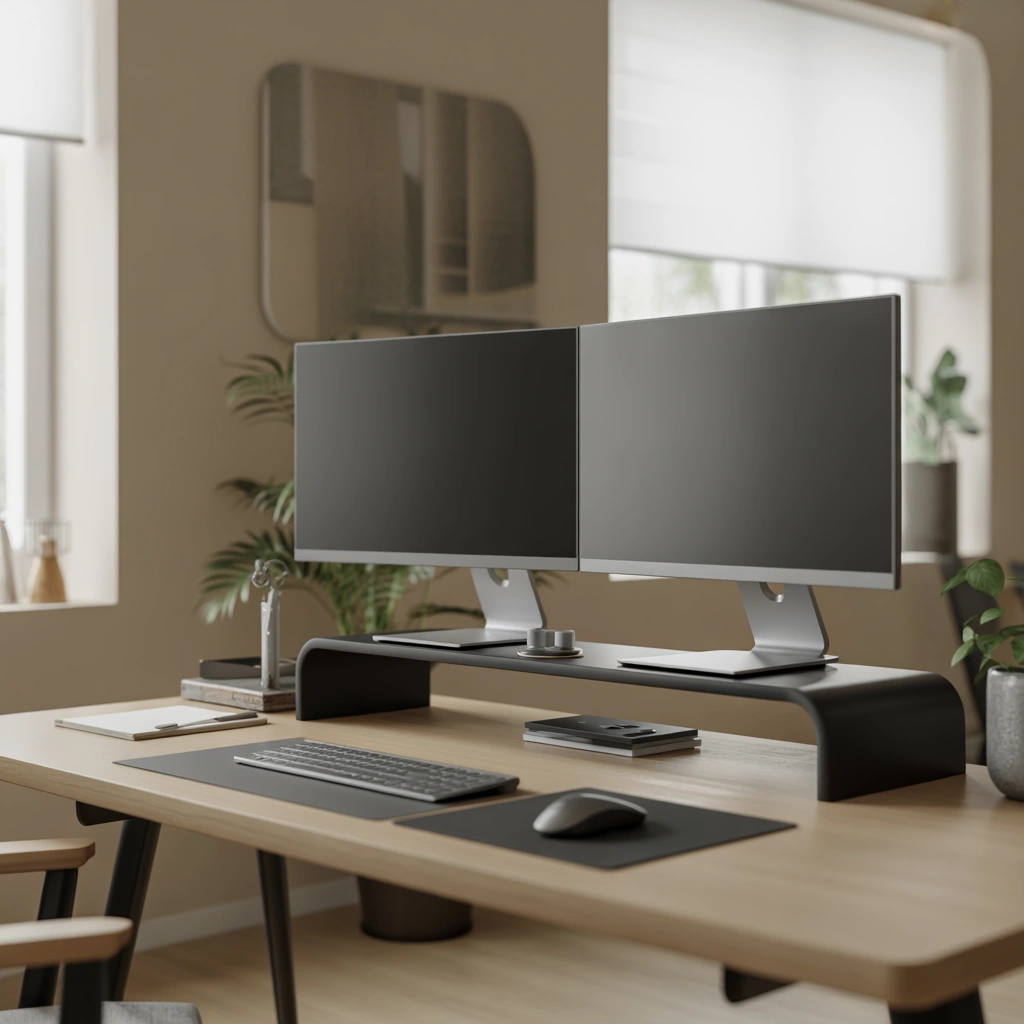
A minimal workspace is one of my favorite dual monitor ideas because it creates a calm environment. Too many accessories, cables, and unnecessary items can make a desk feel distracting.
For a clean dual monitor home office, focus on simplicity:
- Use two monitors with thin bezels for a seamless appearance.
- Place both screens on a monitor arm to free up desk space.
- Keep only essential items such as a keyboard, mouse, notebook, and headphones.
- Hide cables using cable clips or a cable management tray.
- Choose neutral colors like white, black, gray, or wood tones.
This type of setup works especially well for writers, developers, remote workers, and anyone who spends several hours at their desk.
The main advantage of a minimalist dual monitor setup is mental clarity. When your workspace looks organized, it becomes easier to concentrate on important tasks.
2. Dual Monitor Setup With an Ergonomic Focus
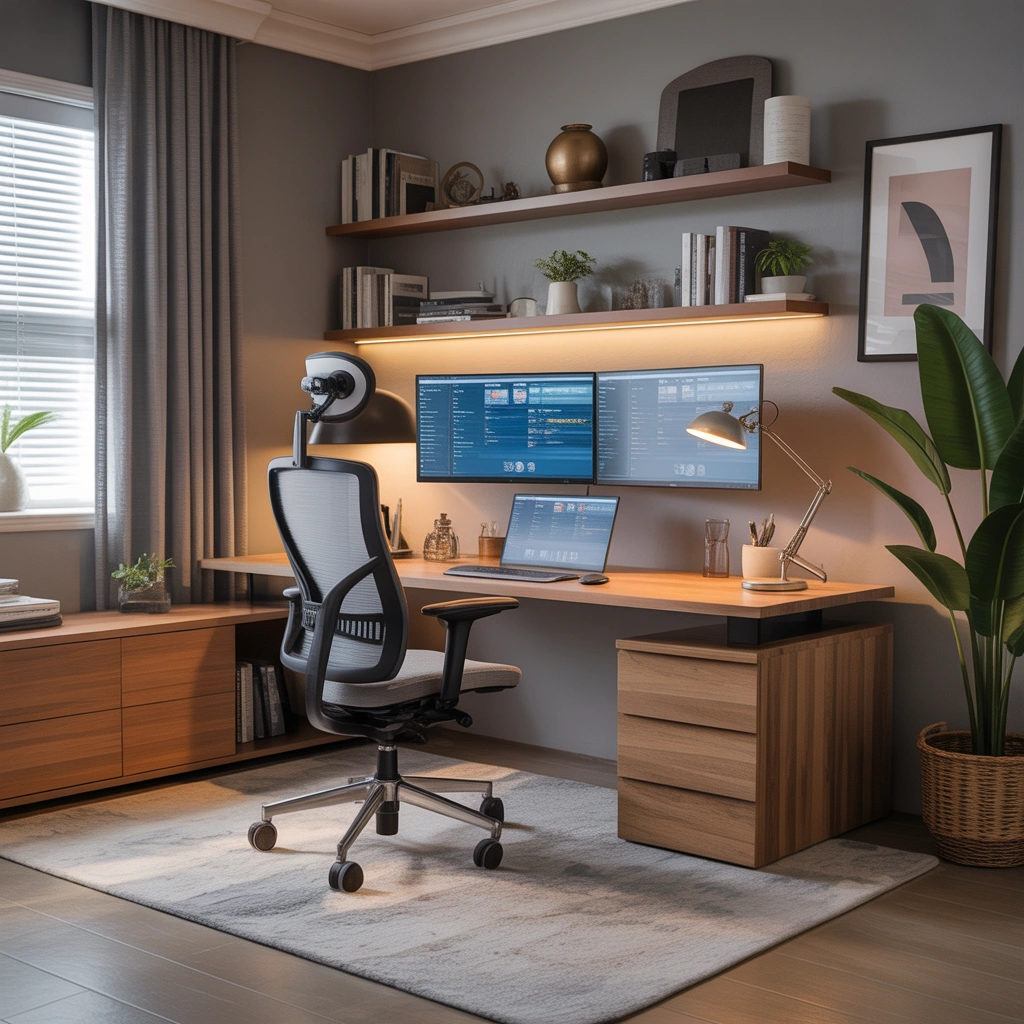
A beautiful workspace is important, but comfort should always come first. Many people spend six to ten hours daily looking at screens, so ergonomics should be a priority.
A comfortable dual monitor setup should include:
- Monitors positioned at eye level.
- Screens placed about an arm’s length away.
- A comfortable office chair with proper back support.
- Keyboard and mouse positioned naturally.
- Adjustable monitor stands or arms.
I personally think monitor height is one of the most overlooked parts of a home office. Many people place screens too low, forcing their neck to bend forward throughout the day.
For the best viewing experience, both monitors should usually sit side by side with the top edge close to your eye level.
An ergonomic setup does not only improve comfort. It helps maintain energy and focus during long working sessions.
3. Dual Monitor Setup With a Large Productivity Desk
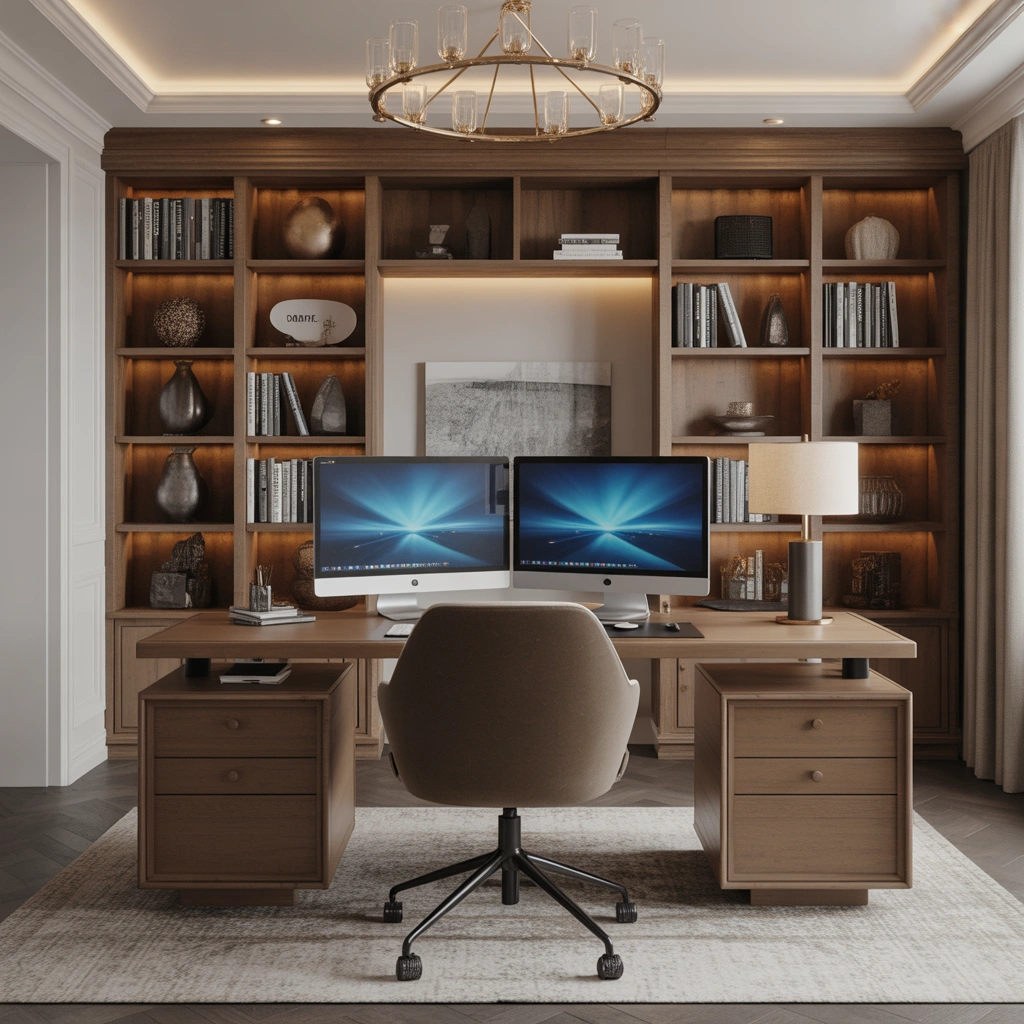
If you have enough space, a large desk can completely transform your home office experience.
A wide desk allows you to create different working zones:
- One monitor for your main task.
- Second monitor for communication, research, or reference material.
- Dedicated space for writing notes.
- Area for charging devices.
- Space for decorative items.
A larger desk also prevents the setup from feeling crowded. Instead of squeezing everything together, every item has its own place.
For professionals who work with multiple applications, such as video editors, marketers, programmers, and designers, this setup can significantly improve workflow.
A large desk combined with dual monitors creates a feeling similar to a professional studio.
4. Vertical Dual Monitor Setup for Writers and Developers
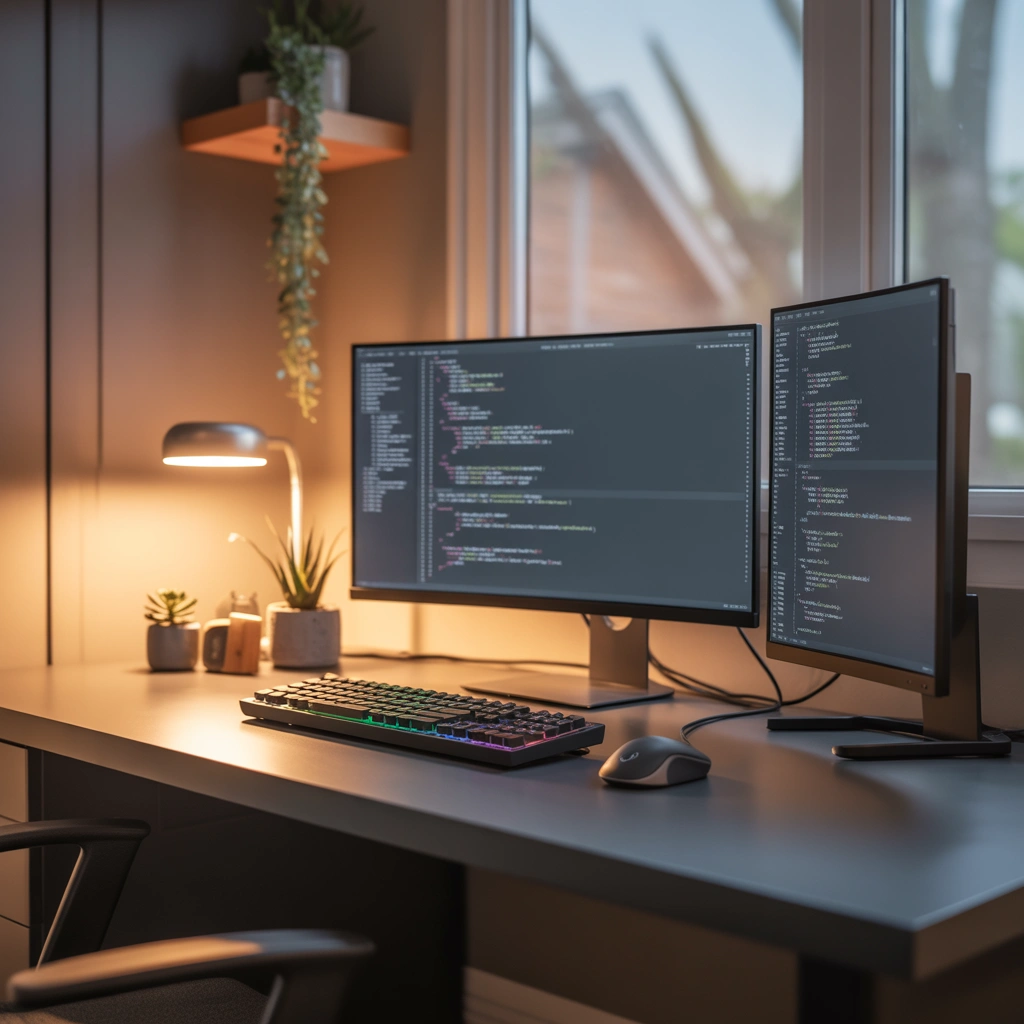
Not every dual monitor setup needs both screens placed horizontally.
A vertical monitor arrangement can be extremely useful for specific tasks.
Many developers, writers, and researchers prefer one horizontal monitor combined with one vertical monitor because it provides more visible content.
A vertical monitor is excellent for:
- Reading long documents.
- Viewing code.
- Managing social media feeds.
- Reviewing websites.
- Writing articles.
For example, I find a vertical screen useful when working with long pages because I can see more information without constantly scrolling.
This setup also creates a unique professional look that stands out from traditional desk designs.
5. Gaming Inspired Dual Monitor Home Office Setup
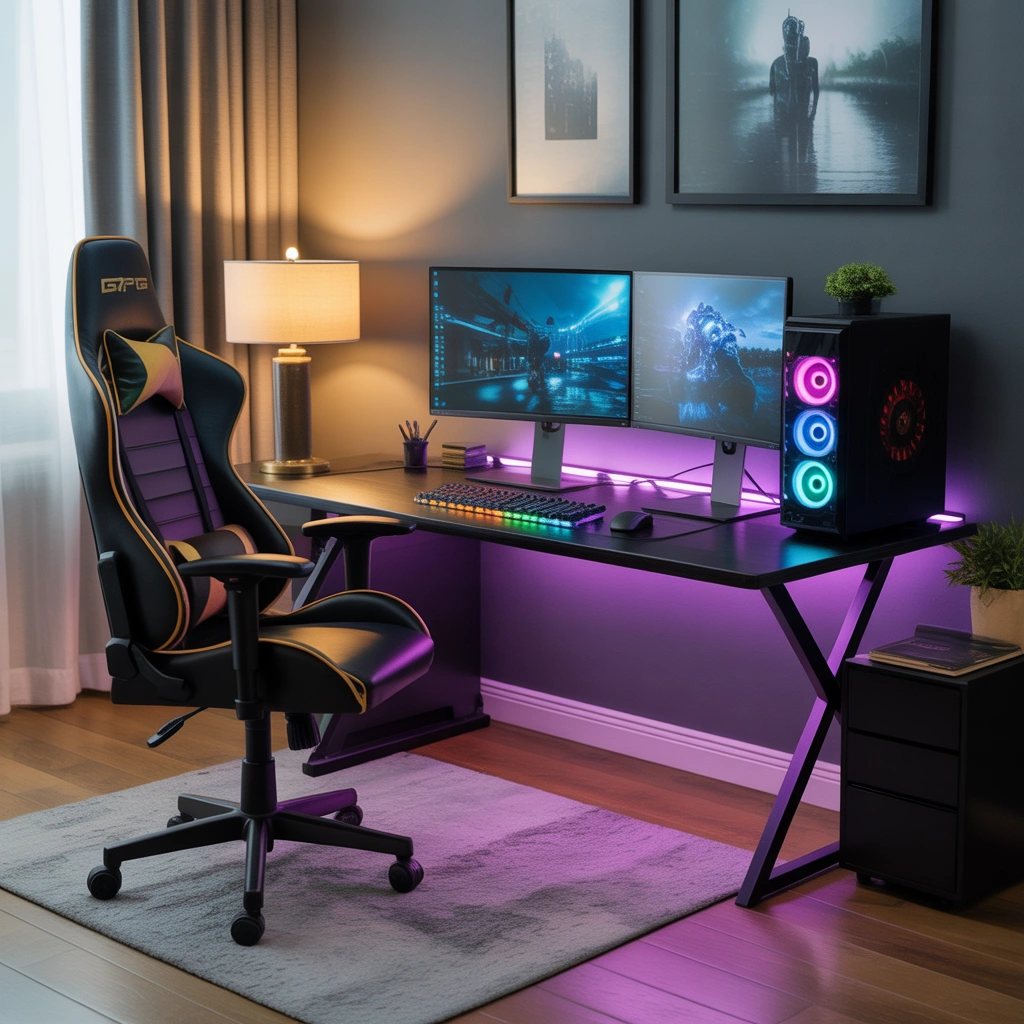
A home office does not have to look boring. If you enjoy gaming, you can combine productivity with a gaming-inspired design.
A dual monitor gaming office setup can include:
- RGB lighting behind monitors.
- A premium gaming chair.
- Mechanical keyboard.
- Headphone stand.
- Dark themed desk design.
- Wall decorations.
The key is balance. A workspace should still feel professional if you use it for work during the day.
A modern gaming office can easily become a hybrid space where you work, create content, and relax.
6. Small Space Dual Monitor Setup Ideas
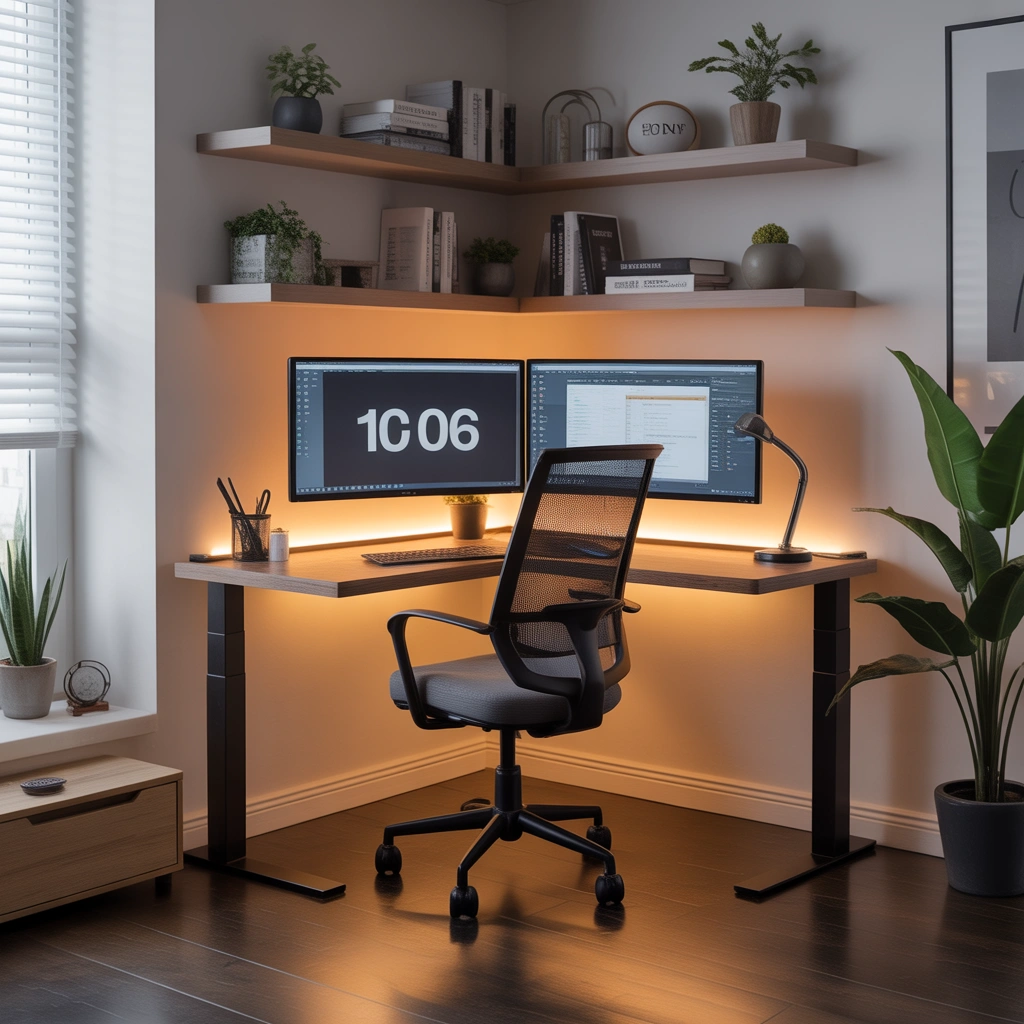
Not everyone has a dedicated office room. Many people build workspaces in bedrooms, apartments, or small corners.
A small dual monitor setup requires smart planning.
Some useful ideas include:
- Use a wall mounted desk.
- Choose compact monitors.
- Install monitor arms.
- Use vertical storage shelves.
- Keep decorations minimal.
The goal is to maximize available space without making the area feel crowded.
Even a small desk can support two monitors if the layout is planned properly.
A compact workspace can still look premium with the right organization.
7. Dual Monitor Setup With Natural Lighting
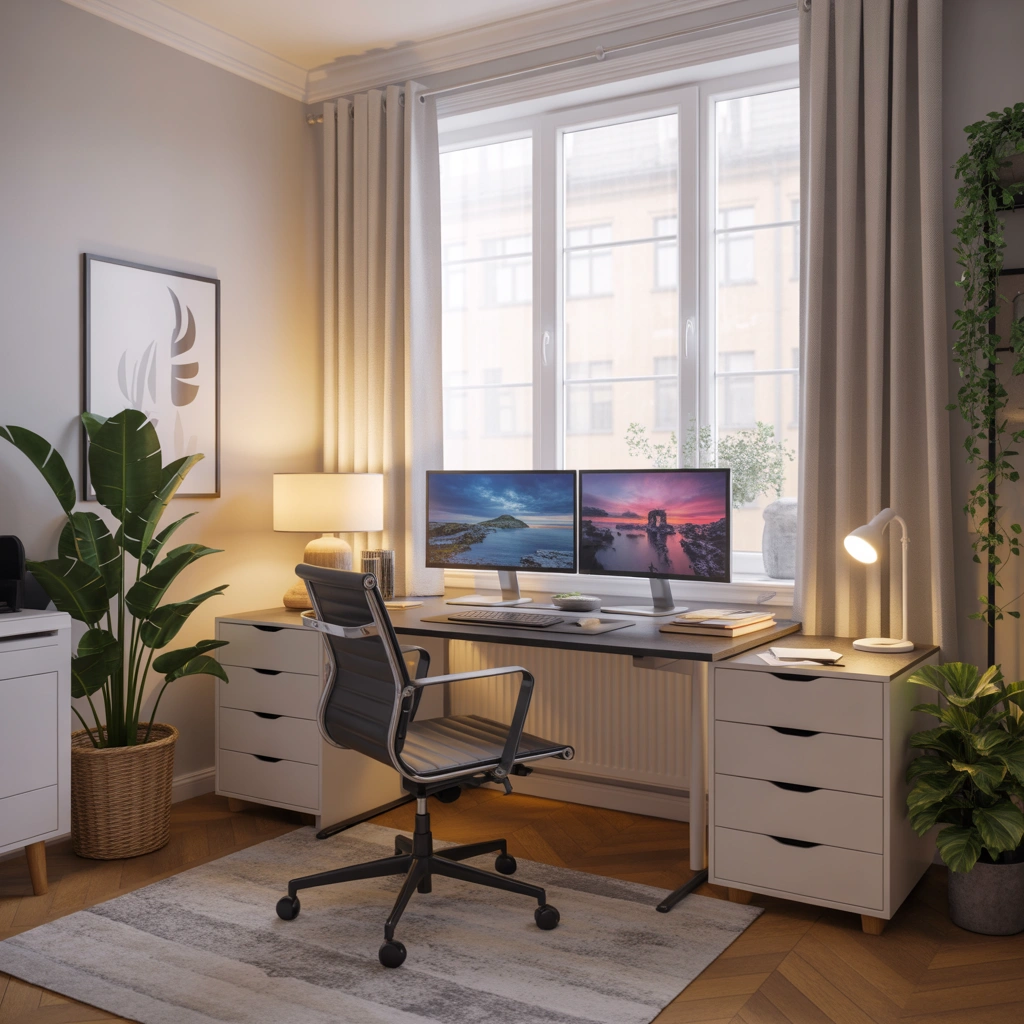
Lighting has a huge impact on how your workspace feels.
A dual monitor setup near a window can create a bright and comfortable environment. Natural light reduces the feeling of being isolated and makes the workspace more enjoyable.
However, avoid placing monitors directly in front of a bright window because reflections can make screens difficult to see.
The ideal position is usually placing the desk sideways near a window.
Add:
- Soft desk lighting.
- Warm lamps.
- Light curtains.
- Plants near the workspace.
A well-lit office feels more energetic and welcoming.
8. Dual Monitor Setup With a Standing Desk
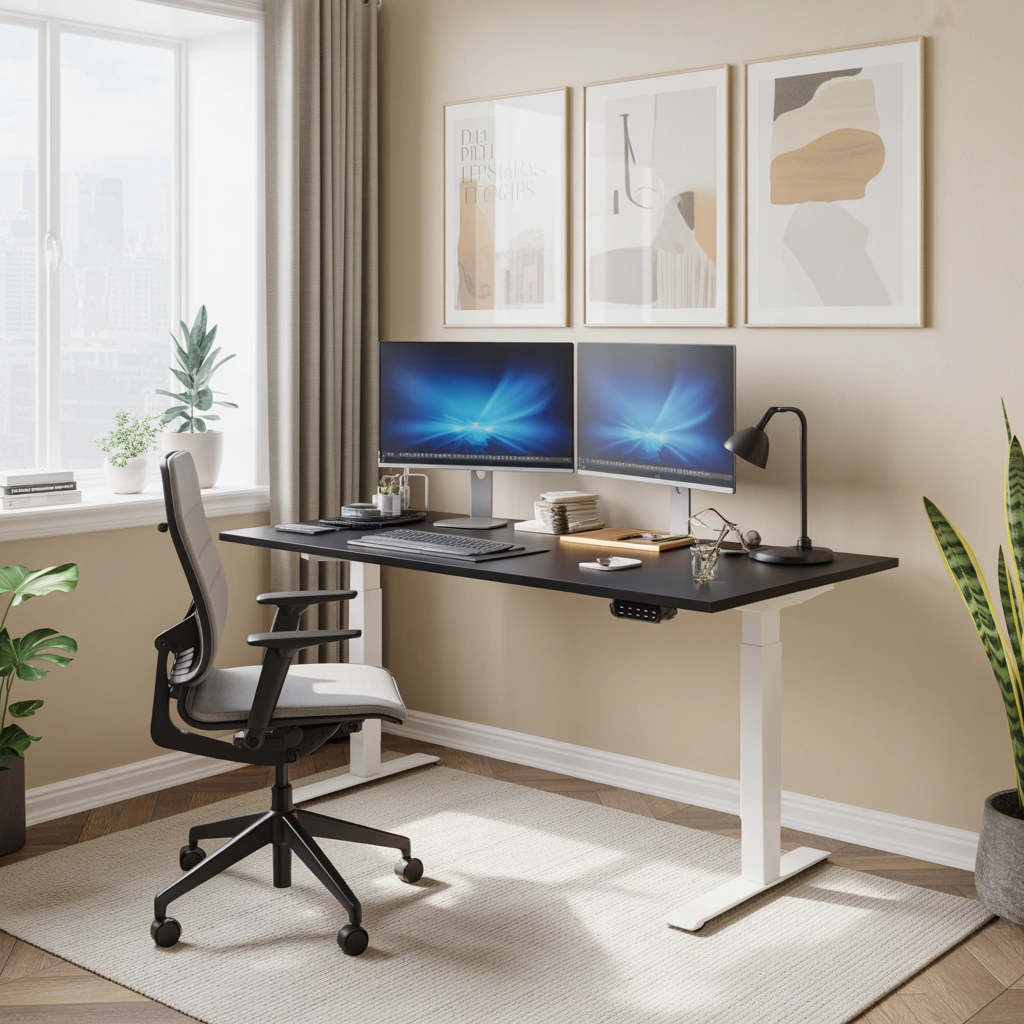
A standing desk is becoming popular among remote workers because it allows movement throughout the day.
Combining a standing desk with dual monitors creates a flexible workstation.
Benefits include:
- Ability to change working positions.
- Better movement during long hours.
- More adjustable workspace.
- Modern office appearance.
A height adjustable desk allows you to sit when focusing and stand when you need a change.
This setup works well for people who spend most of their day working digitally.
9. Dual Monitor Setup With Creative Studio Style
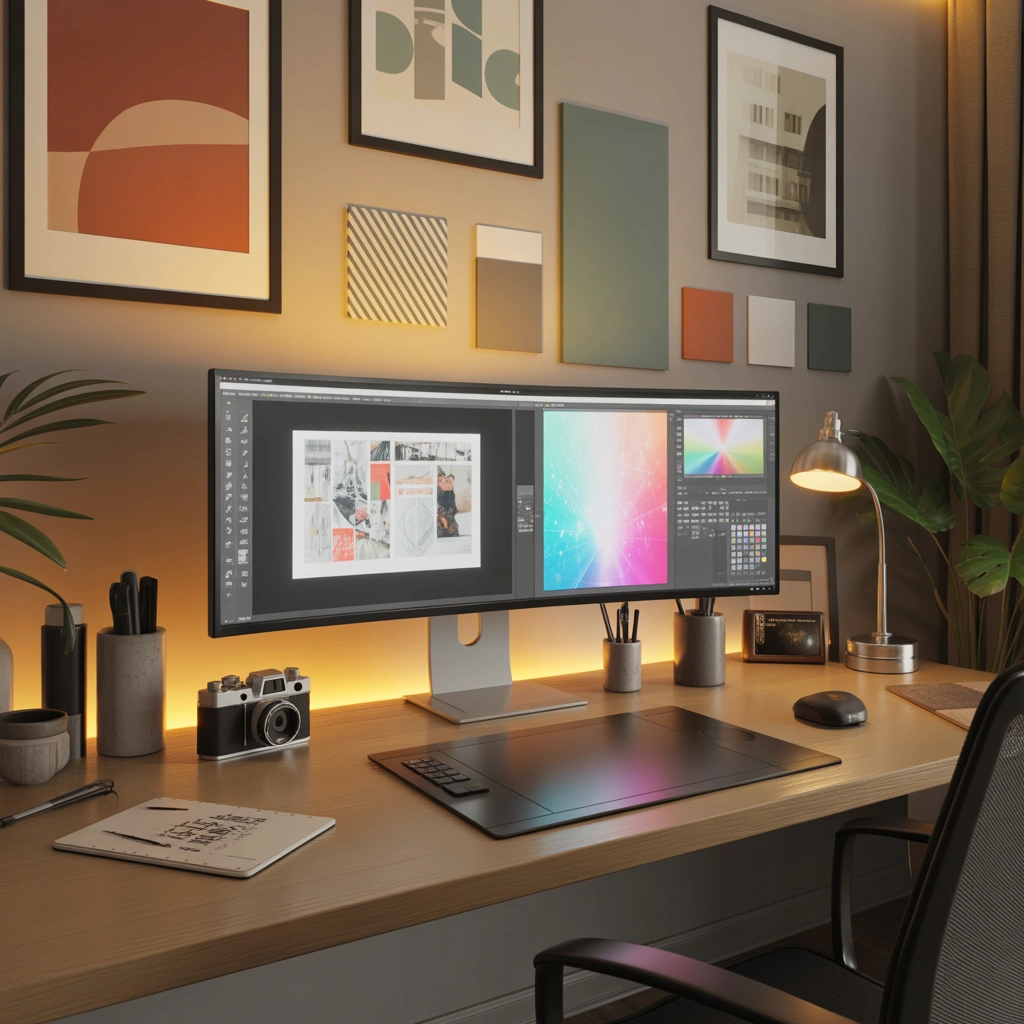
Creative professionals need a workspace that inspires ideas.
Designers, photographers, video editors, and content creators often benefit from dual monitors because they can compare projects, previews, and editing tools easily.
A creative dual monitor office can include:
- Artwork on walls.
- Color samples.
- Camera equipment.
- Design books.
- Decorative lighting.
The workspace should reflect creativity while remaining functional.
A personalized office often feels more motivating than a generic workspace.
10. Dual Monitor Setup With Hidden Cable Management
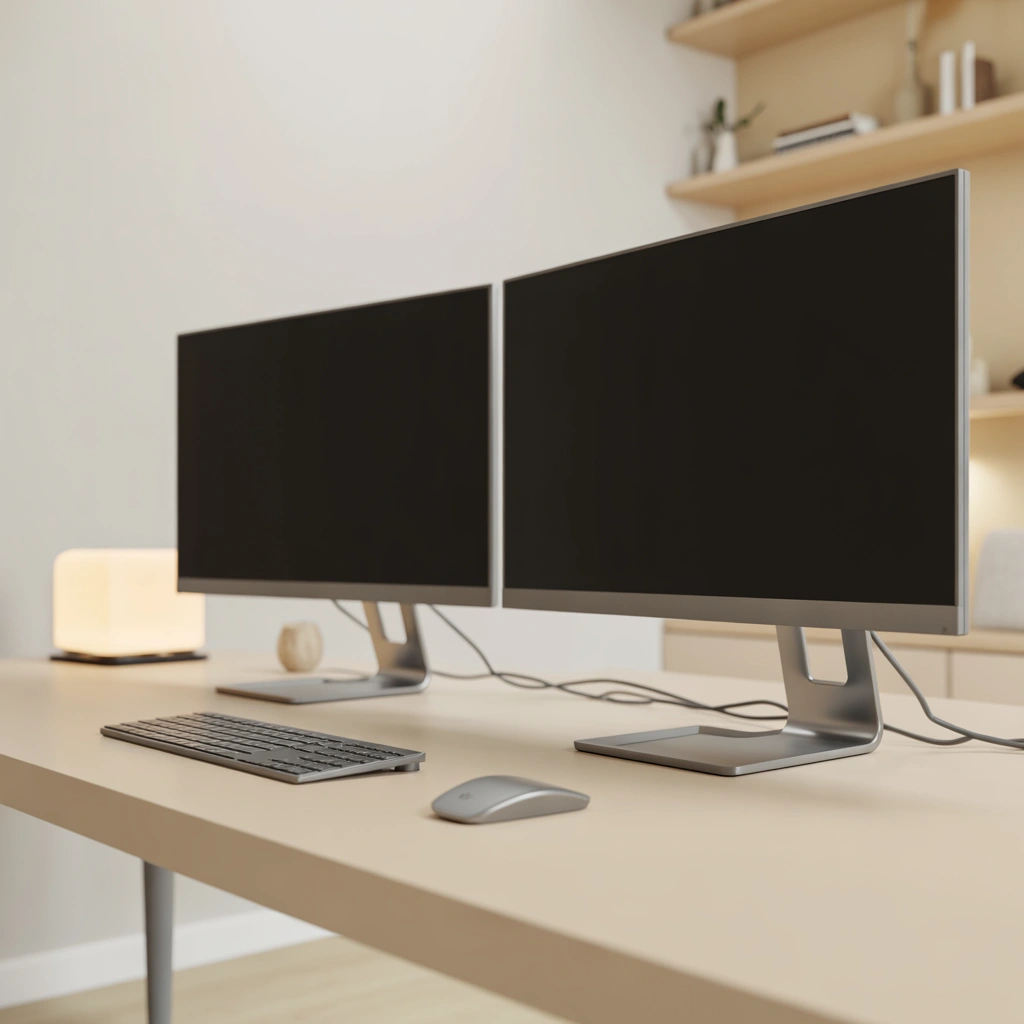
One of the biggest differences between an average setup and a premium setup is cable organization.
Messy cables can instantly ruin an otherwise beautiful workspace.
Some simple improvements include:
- Cable trays under the desk.
- Velcro cable straps.
- Wireless accessories.
- Monitor arms with cable channels.
- Under desk power management.
A clean cable system makes your desk easier to maintain and gives it a professional appearance.
Small details often create the biggest visual improvement.
11. Dual Monitor Setup With Wall Mounted Screens
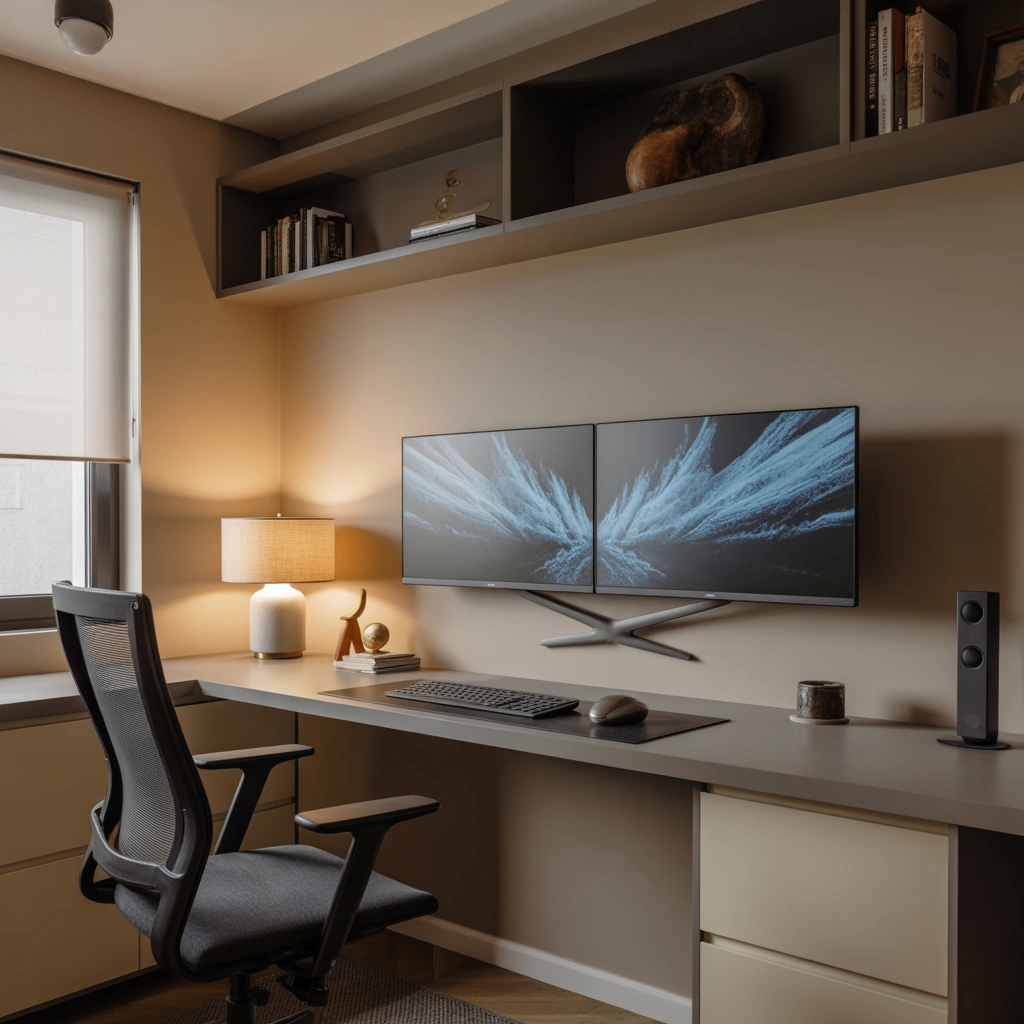
Wall mounted monitors can create a futuristic and clean office appearance.
This design works especially well if you want more desk space.
Advantages include:
- More open desk area.
- Adjustable viewing position.
- Modern appearance.
- Better organization.
A wall mounted dual monitor setup can make a small office feel larger.
Add shelves, artwork, and soft lighting to complete the look.
12. Premium Dual Monitor Setup With Complete Home Office Design
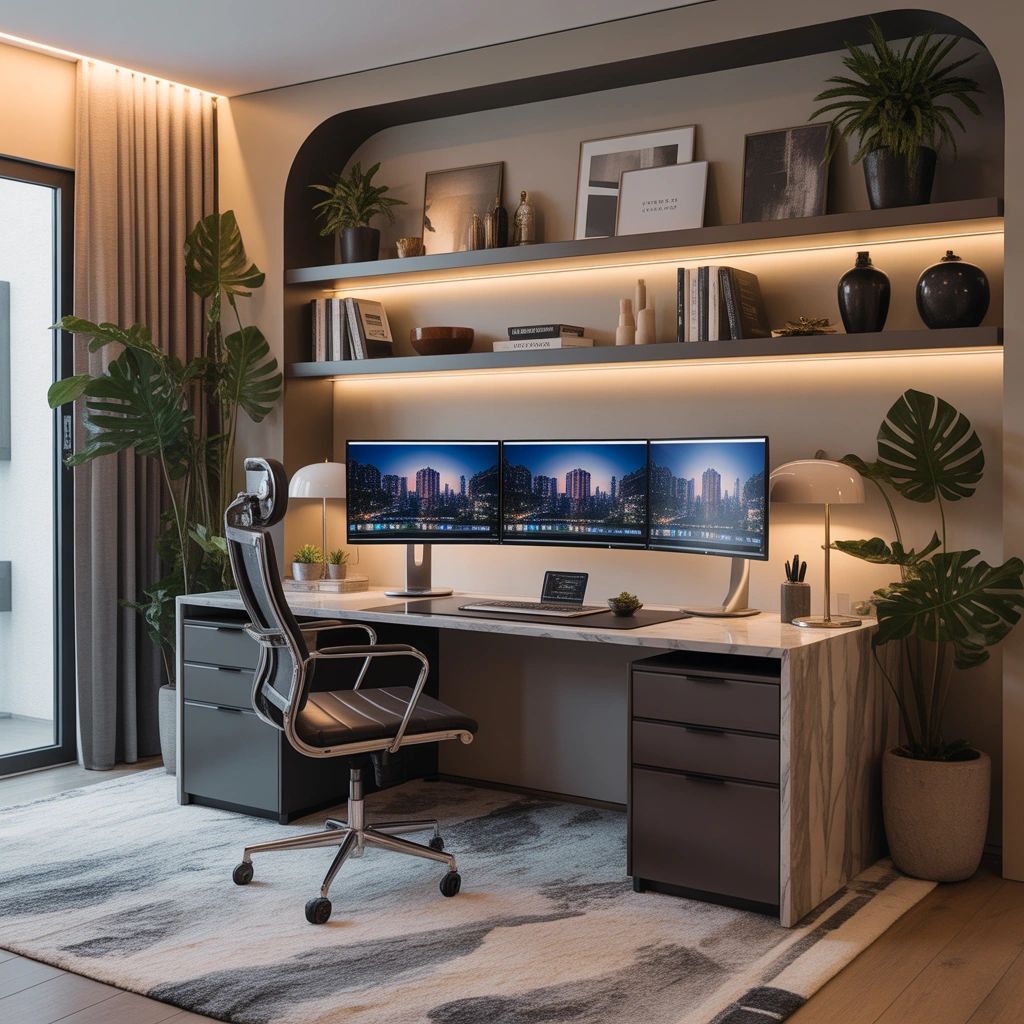
For people who want the ultimate workspace, a complete office design brings everything together.
A premium dual monitor home office can include:
- Large ergonomic desk.
- High quality monitors.
- Comfortable chair.
- Storage cabinets.
- Professional lighting.
- Decorative elements.
- Plants and artwork.
The best workspace is not only about expensive equipment. It is about creating a place where you enjoy spending time.
When your office feels comfortable and organized, productivity becomes easier.
A thoughtfully designed dual monitor setup can become the center of your professional life.
Final Thoughts
A dual monitor home office setup is one of the smartest upgrades you can make if you spend significant time working on a computer.
The right design depends on your personal workflow. Some people need a minimalist desk, while others need a creative studio or gaming-inspired workspace. The important thing is creating a setup that supports your daily tasks and makes you feel comfortable.
When planning your dual monitor workspace, focus on three things: comfort, organization, and inspiration.
A great home office is not created by technology alone. It is created by designing a space where you can focus, create, and do your best work every day.
